İImgele

Visual creation for ecommerce

AI product photography generator

Move an existing product photo into new studio, editorial, and campaign settings. Choose a direction, add the reference, and see the cost upfront.

View AI product styles

Explore new scenes without a studio

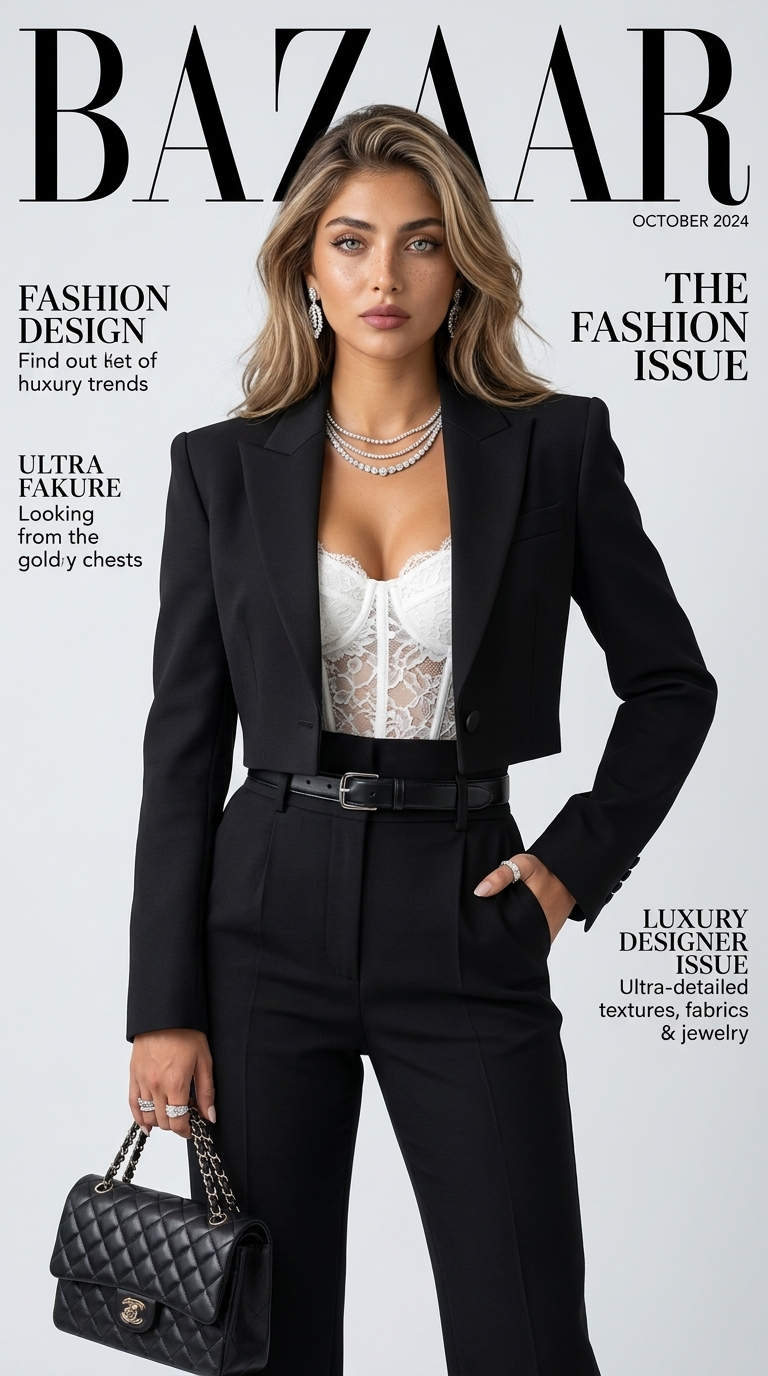
AI product photography styles can place a clean product reference into a newly generated composition with different lighting and backgrounds. This is useful for evaluating campaign concepts and secondary ecommerce imagery.

Before using an output in a listing or advertisement, compare packaging text, logo, color, and geometry closely with the real product.
Prepare a clear product reference

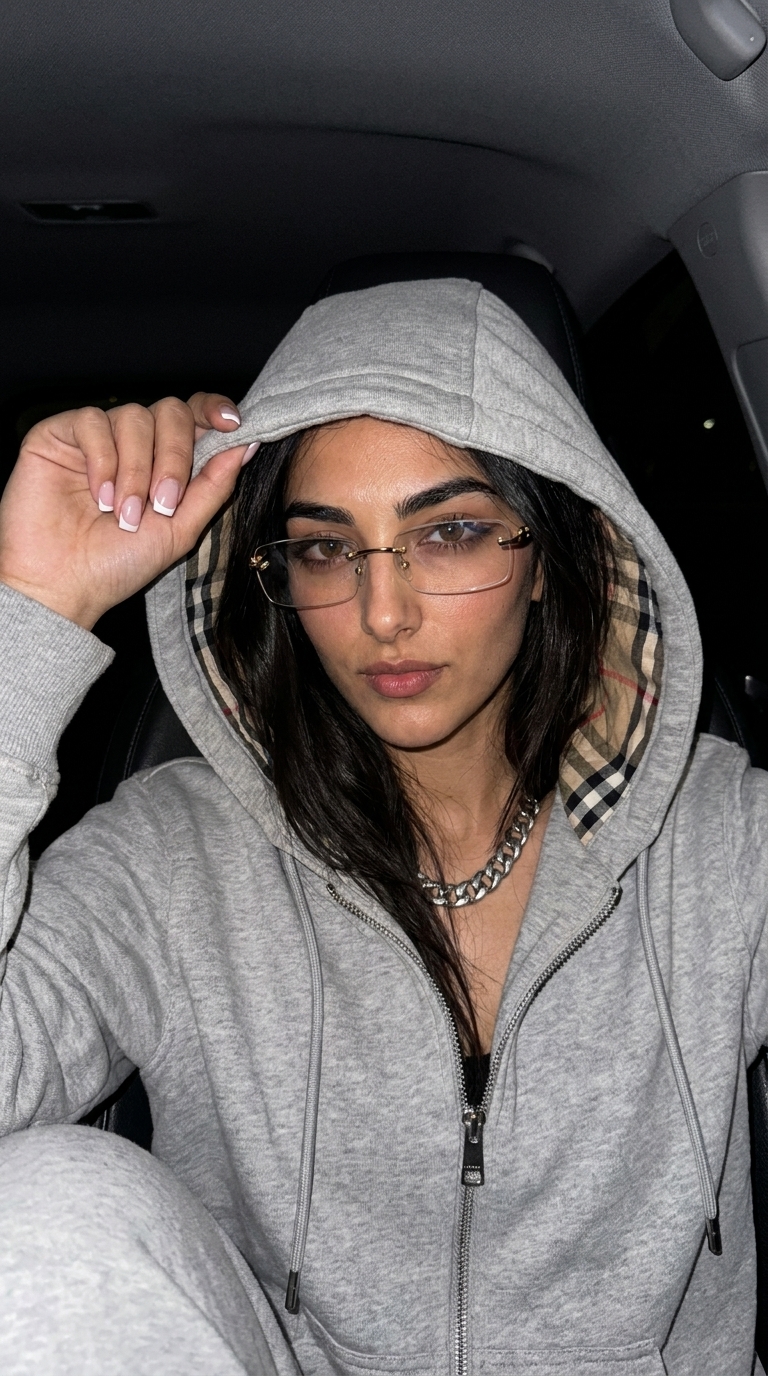
Choose a sufficiently large, sharp, evenly lit photo that shows the whole item. A white or quiet background can make edges and material details easier to understand.

Select the campaign ratio

Vertical 9:16 can suit social stories, square 1:1 product cards, and landscape 16:9 web banners. A style only offers ratios supported by its generation setup.

Ready to create

Choose a look. Create it with your photo.

Frequently asked questions

Before you begin

Will text on the product remain exact?

Generative models can alter small text and logos. Closely inspect packaging and brand details before commercial use.

Can I use a phone product photo?

Yes. A clear, well-lit phone photo showing the complete product can be a useful reference.

Can I use an AI product image in ecommerce?

Check applicable rights, category rules, and platform policies, and ensure the output does not misrepresent the item.

Choose a new scene for your product.

Compare product and editorial directions through sample imagery.

View AI product styles