İImgele

Reference-based image-to-image AI

Turn a photo into an AI image

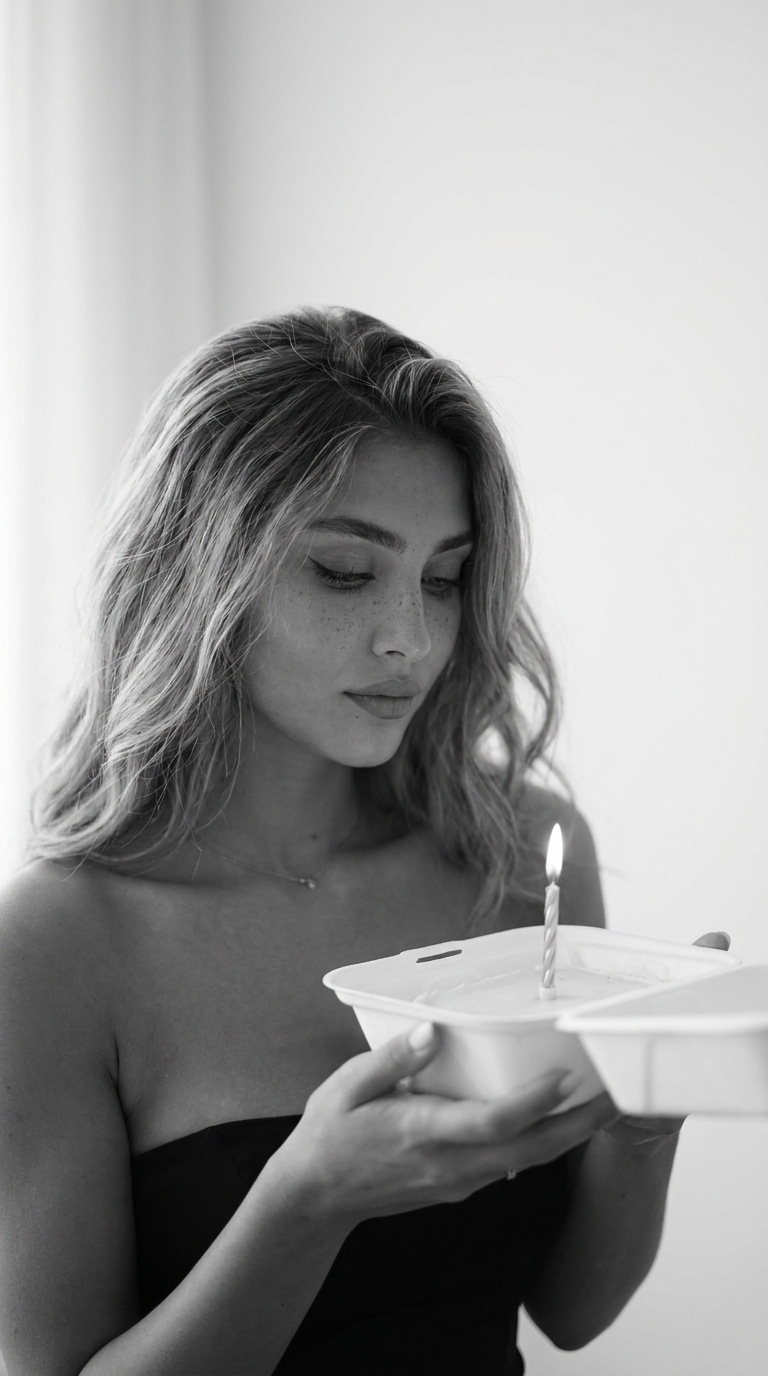
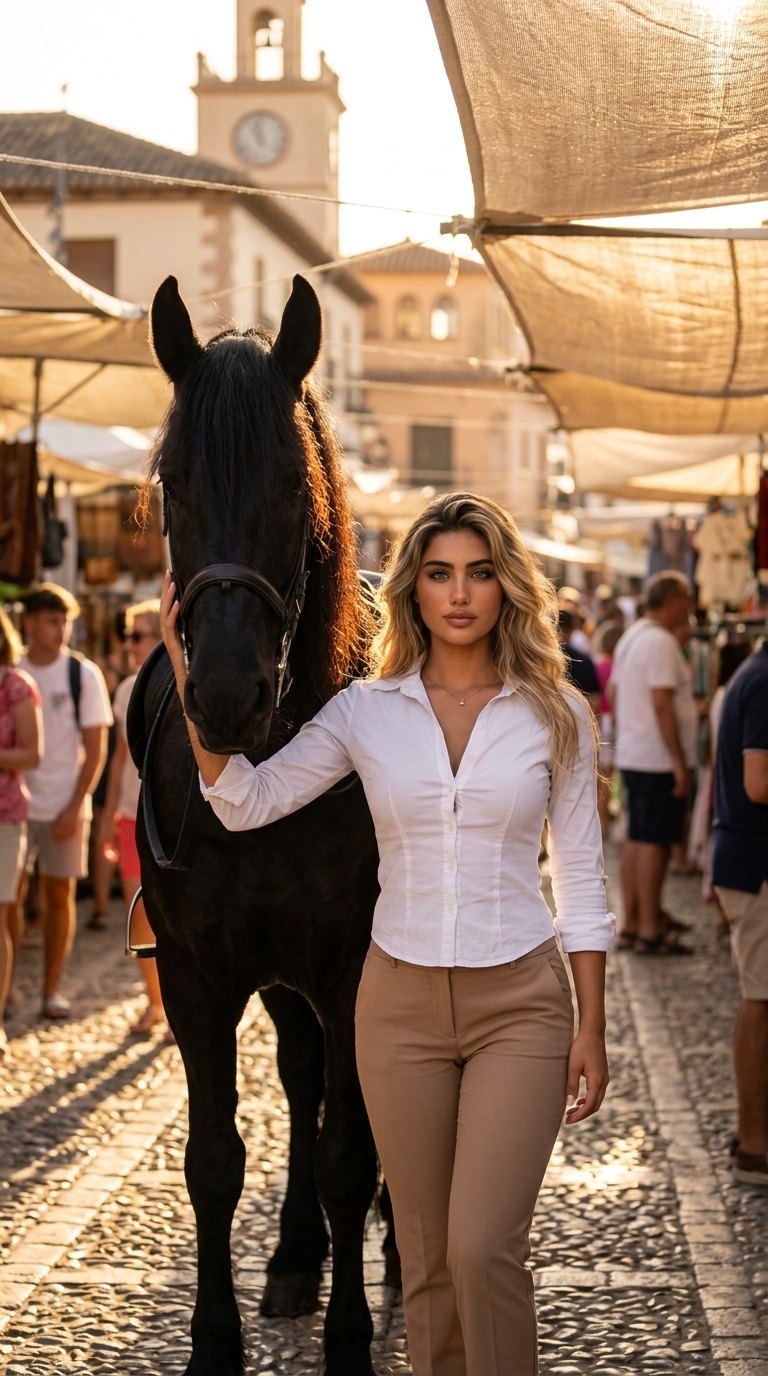
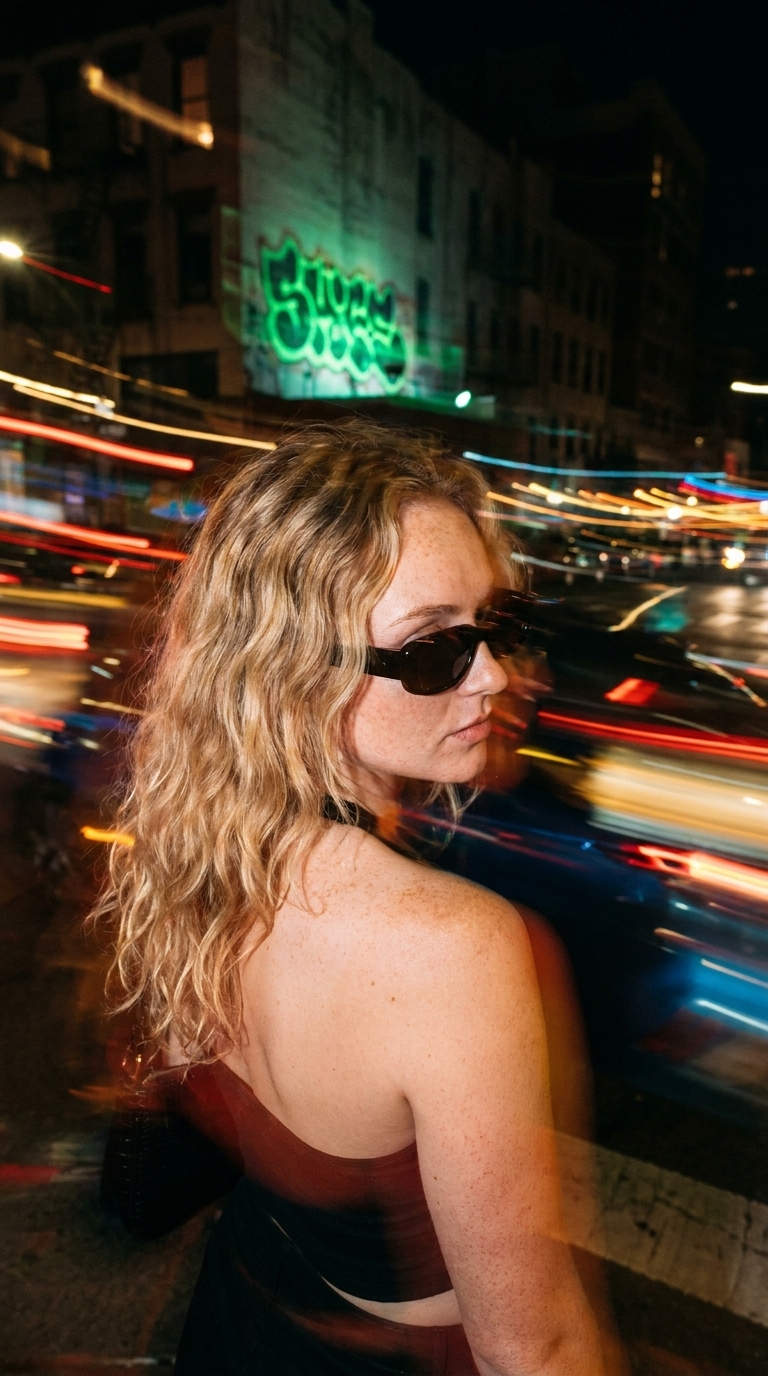
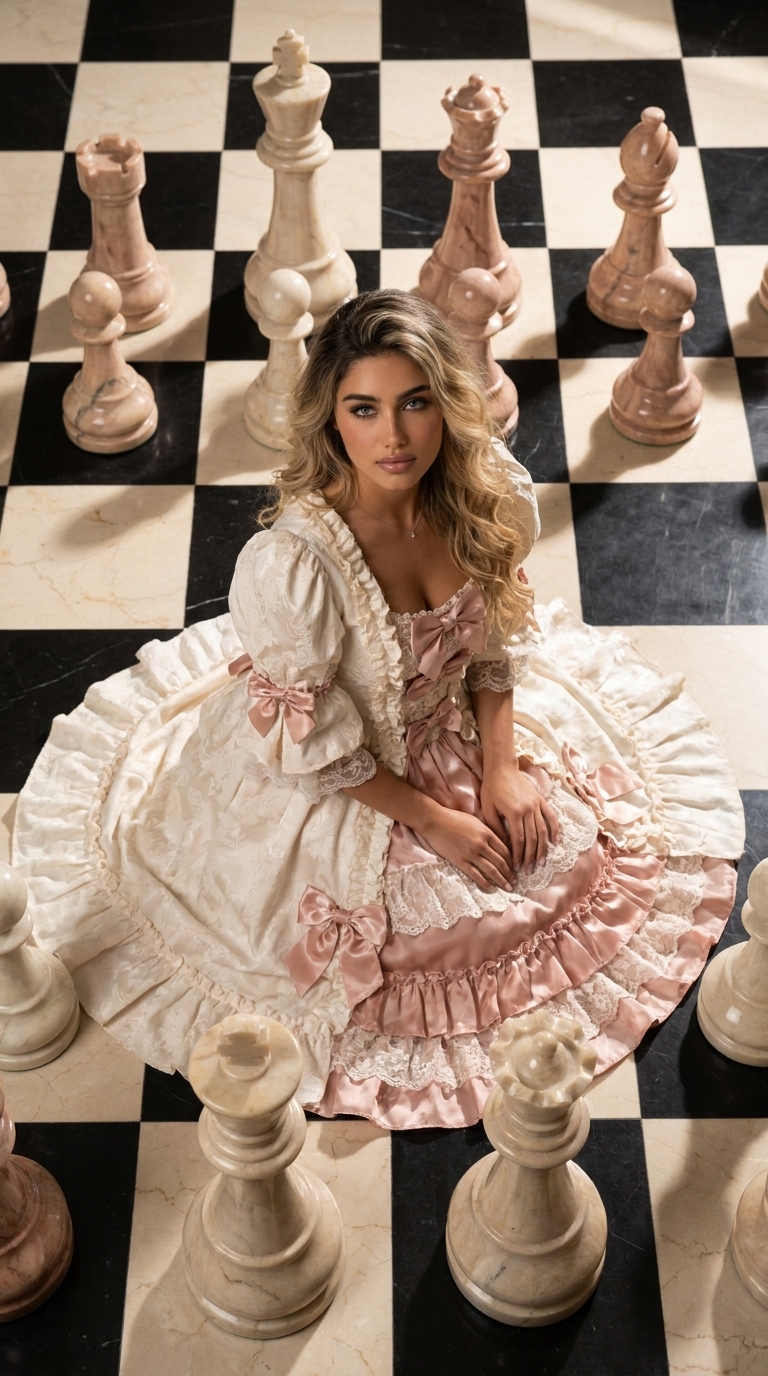
Translate an existing photo into the visual style you choose. Imgele combines the protected style direction with your reference to build a new composition.

View photo styles

How is your photo used?

Your upload enters the ordered reference field expected by the selected style. A portrait style may use it for identity and appearance, while a product style may use it for shape and brand detail.

The result is not a duplicate of the source. It is a newly generated AI image inside the style’s composition, lighting, and art direction.
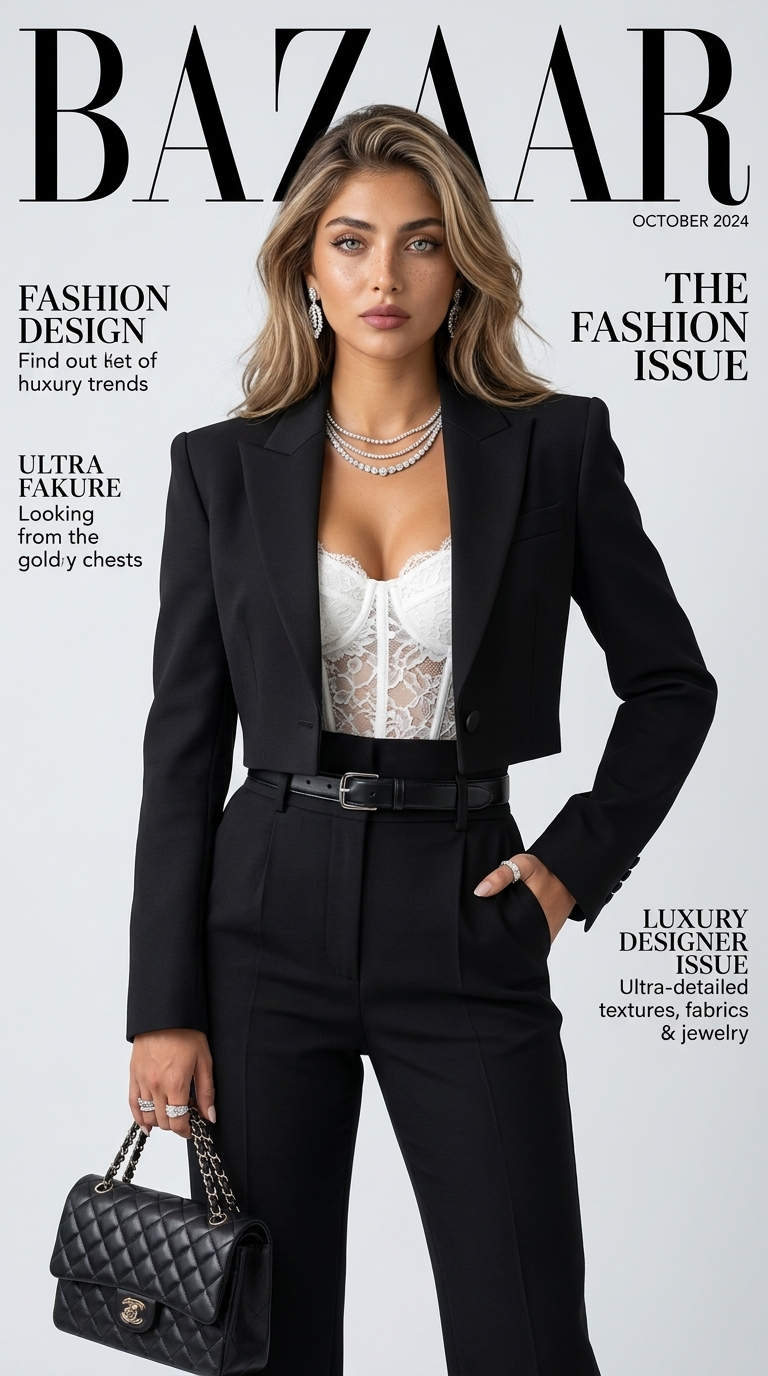
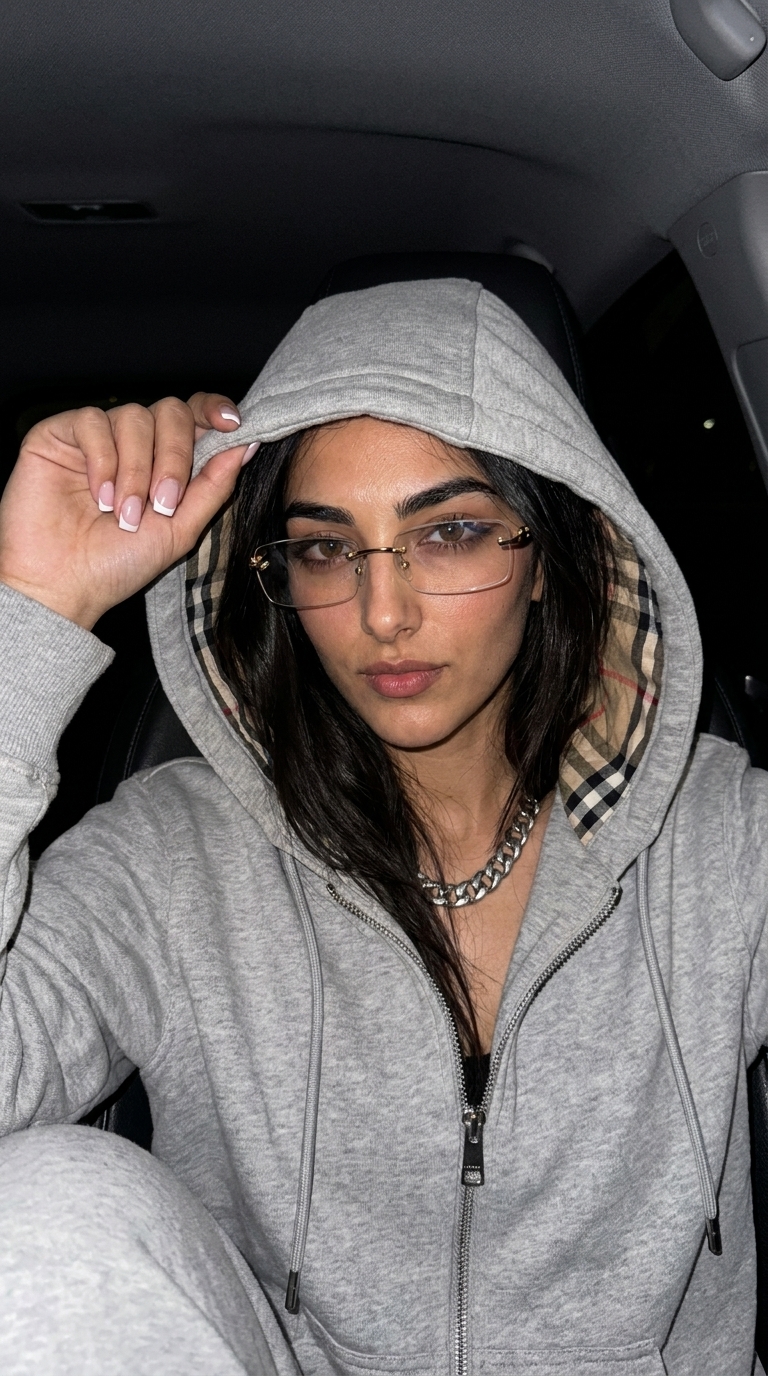
From portraits to editorial posters

Explore directions that turn a portrait into a cinematic frame, magazine-inspired poster, 3D character, or illustrated world. Studio and lifestyle settings for product photos appear in their own categories.

Choose a useful source photo

Use a clear, sufficiently large image without heavy filters. If the style asks for two people, an outfit, or separate artwork, add every reference to its matching field.

Ready to create

Choose a look. Create it with your photo.

Frequently asked questions

Before you begin

Does generation overwrite my source photo?

No. The original is not modified. Generation creates a separate result while the source remains in private storage.

Can I take the reference with my phone?

Yes. The form offers gallery selection and camera capture on supported mobile devices.

Can a style require multiple photos?

Yes. Some directions expect ordered references for two people, an outfit, or artwork.

Choose a new direction for your photo.

Compare reference-based AI styles through their final examples.

View photo styles