İImgele

Art-directed AI creation

AI image generator with ready-made styles

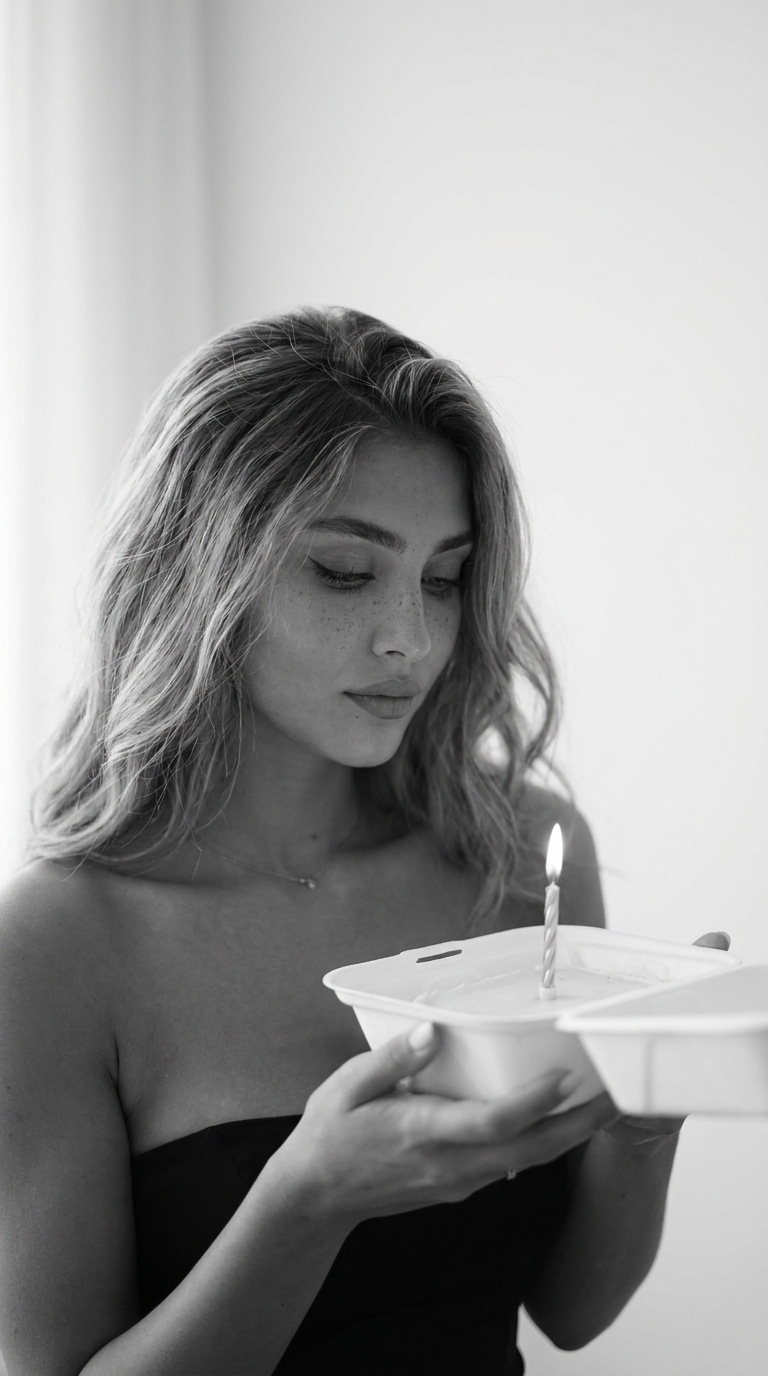
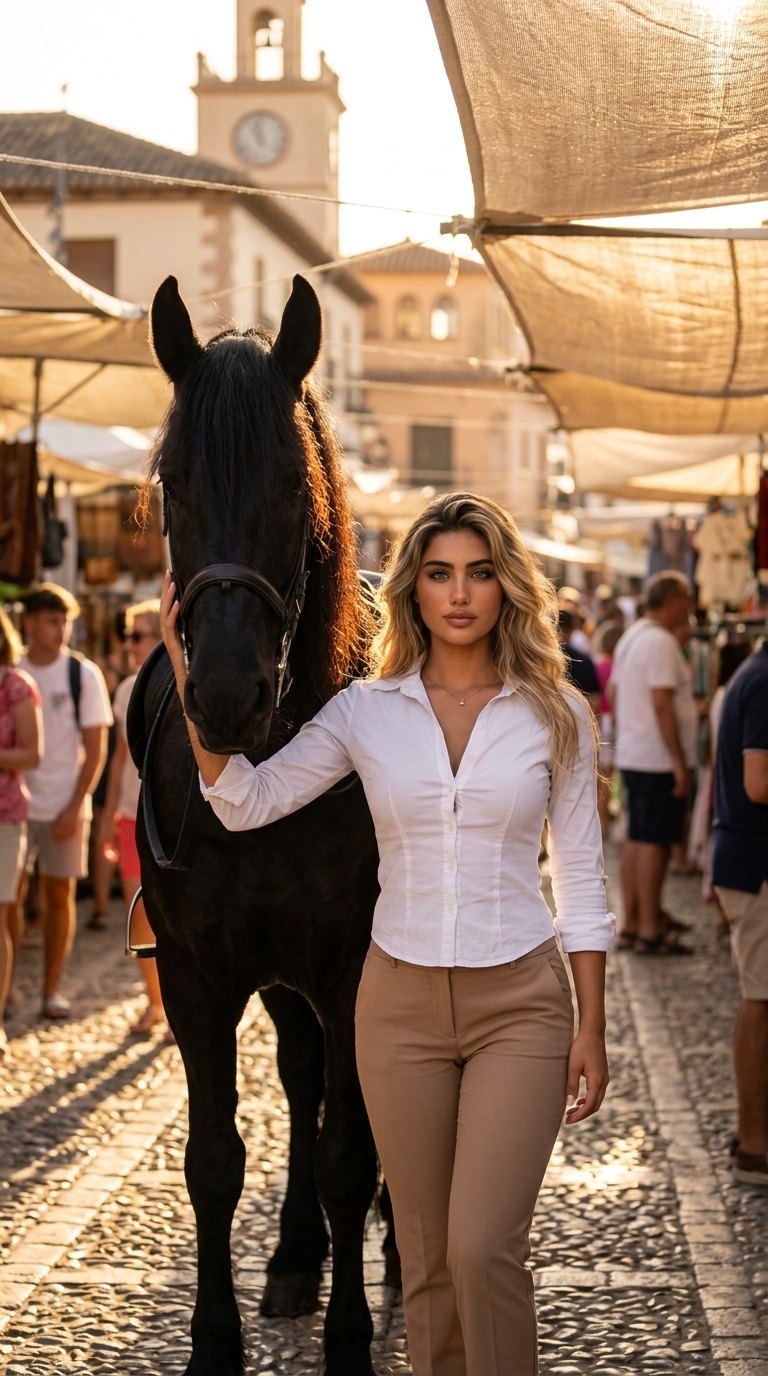
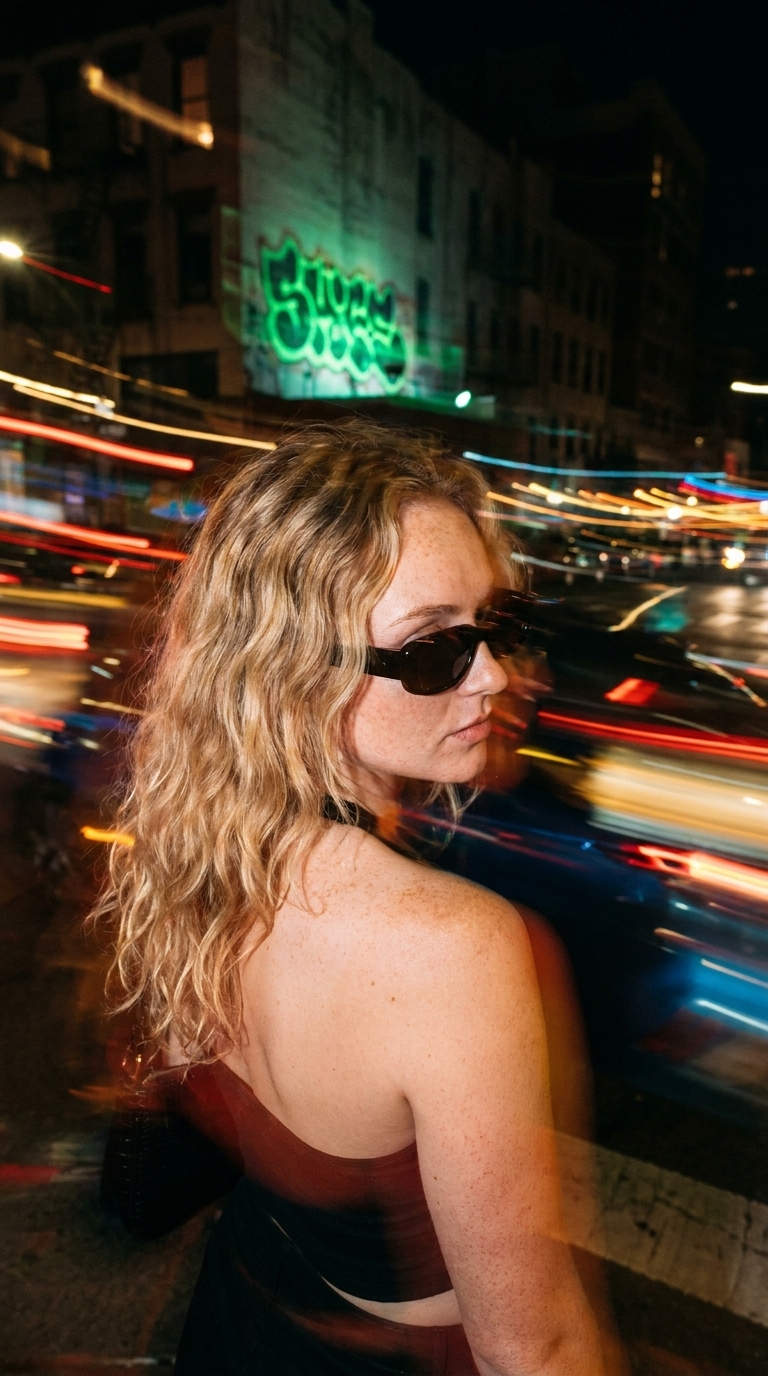
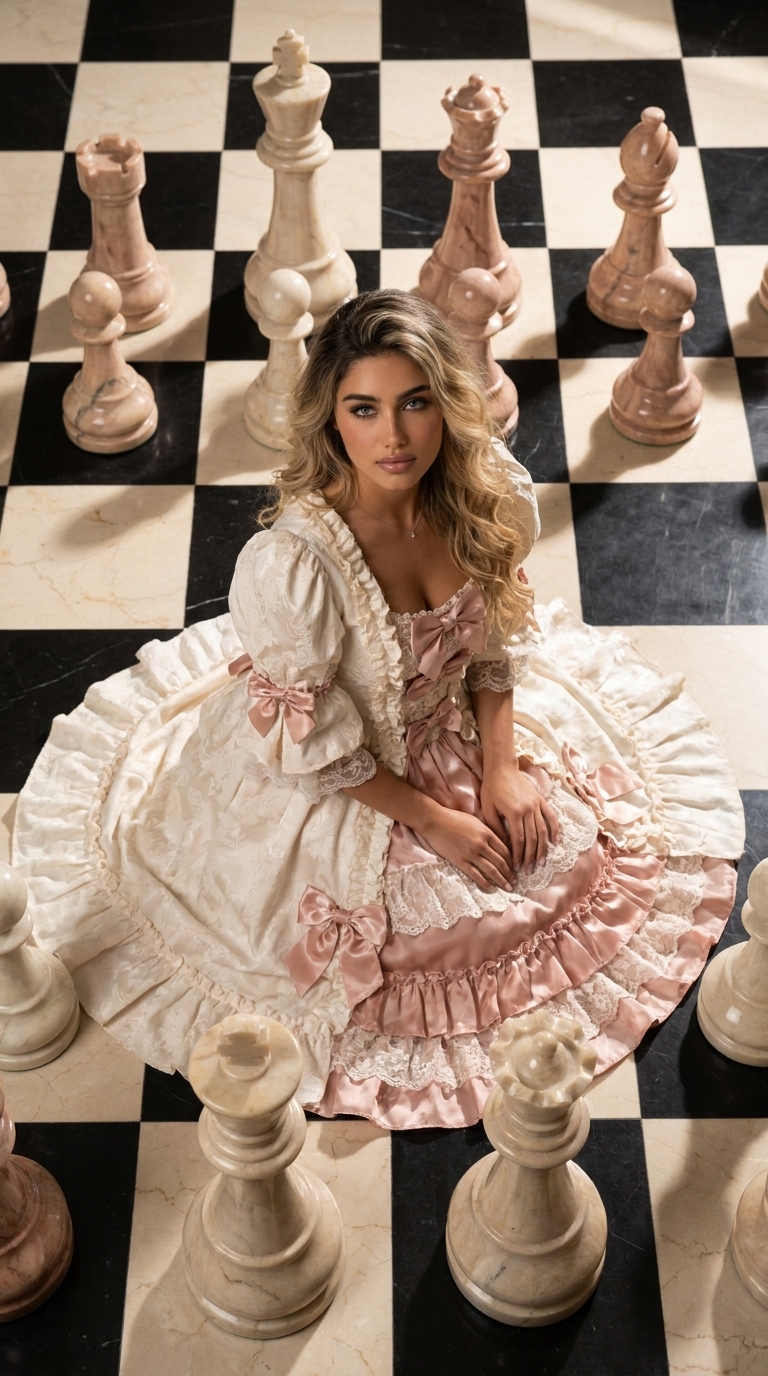
Use your photo as a starting point, choose a style by its sample result, and generate a new visual without learning complicated prompting.

Explore AI styles

Begin with a visual direction

A general AI image generator often asks you to describe its lighting, lens, composition, and aesthetic. Imgele packages those decisions into curated styles instead.

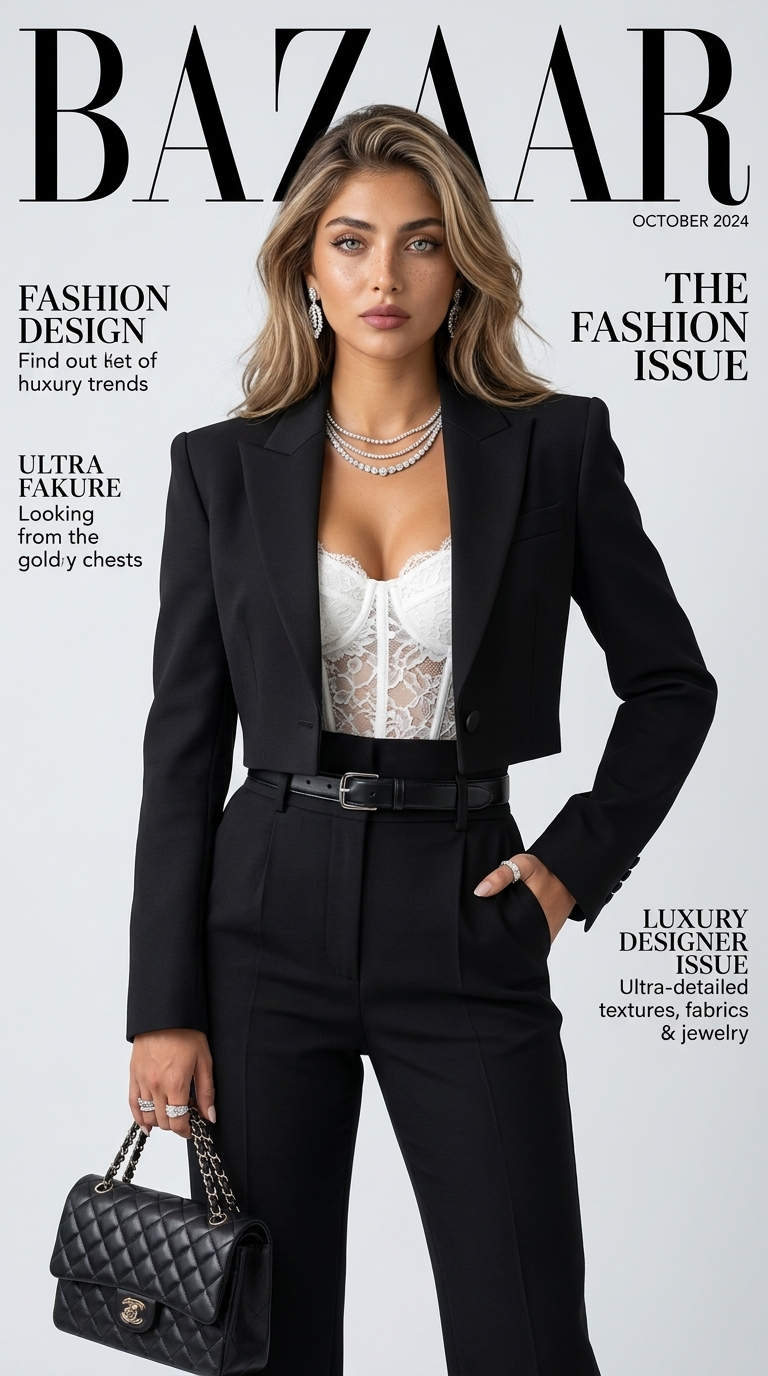
Every style page displays its intended final look and the reference photos it needs, so you can compare directions before creation.
What can you create?

The library includes personal portraits, vertical social visuals, editorial posters, stylized characters, illustrations, and product campaign directions. Newly published styles appear first as the collection grows.

Prepare a stronger starting point

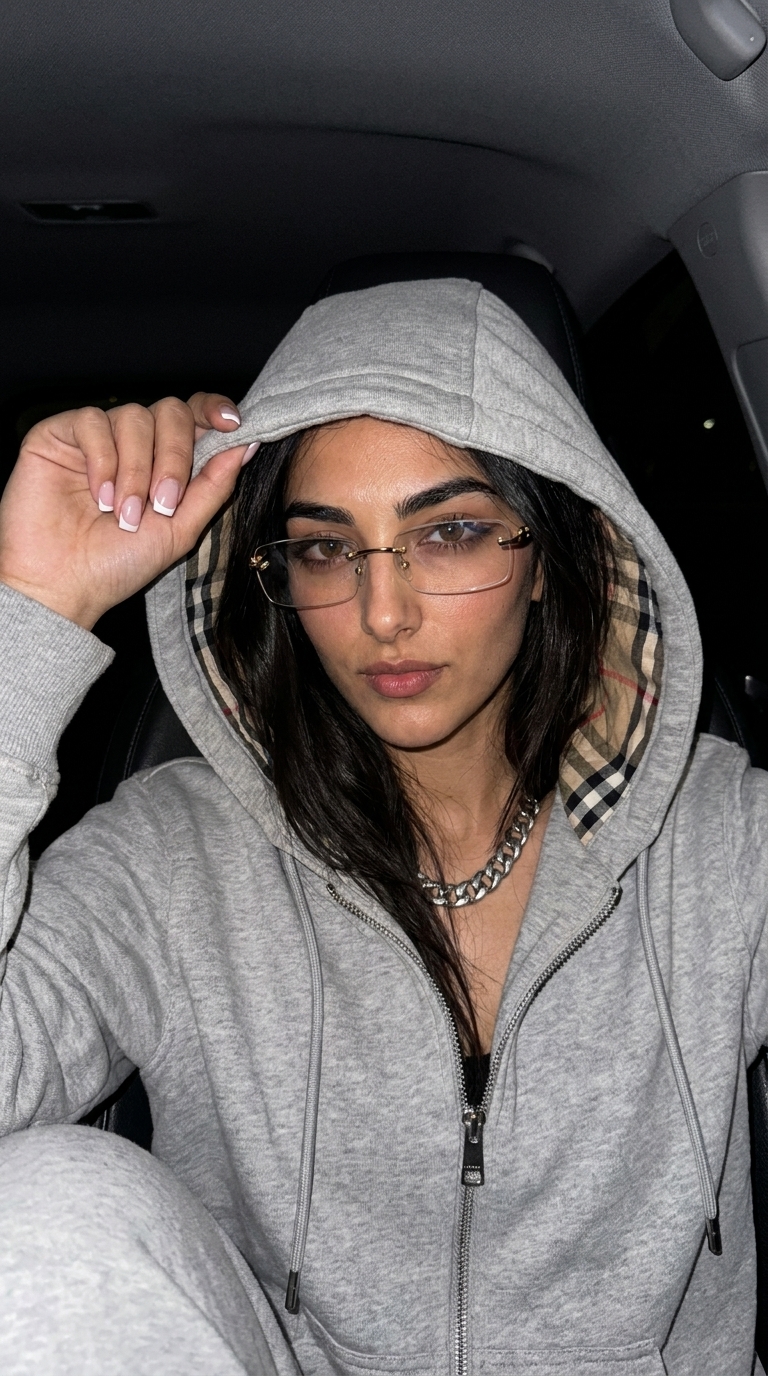
Choose a clear, well-lit image that matches the subject requested by the style. A recognizable main person or product gives the reference-based workflow a more useful source.

Ready to create

Choose a look. Create it with your photo.

Frequently asked questions

Before you begin

Do I need to write a prompt?

No. The visual recipe remains protected in the style; you select the style, references, optional text fields, and output ratio.

Can I use my own photo?

Yes. Reference-based styles let you choose a photo from your gallery or capture one with a supported phone camera.

Are generated results public?

No. User references and generated outputs are private files that require account authorization.

Find a style for your visual idea.

Compare final examples, review reference requirements, and begin creation.

Explore AI styles