İImgele

Personal portrait directions

AI portrait generator from a photo

Use your face photo to create a cinematic, editorial, or stylized AI portrait, with a sample that shows the visual direction before you begin.

View AI portrait styles

Choose a portrait direction that fits

An AI portrait generator does more than redraw a face. Background, wardrobe approach, lighting, and framing determine what the portrait communicates.

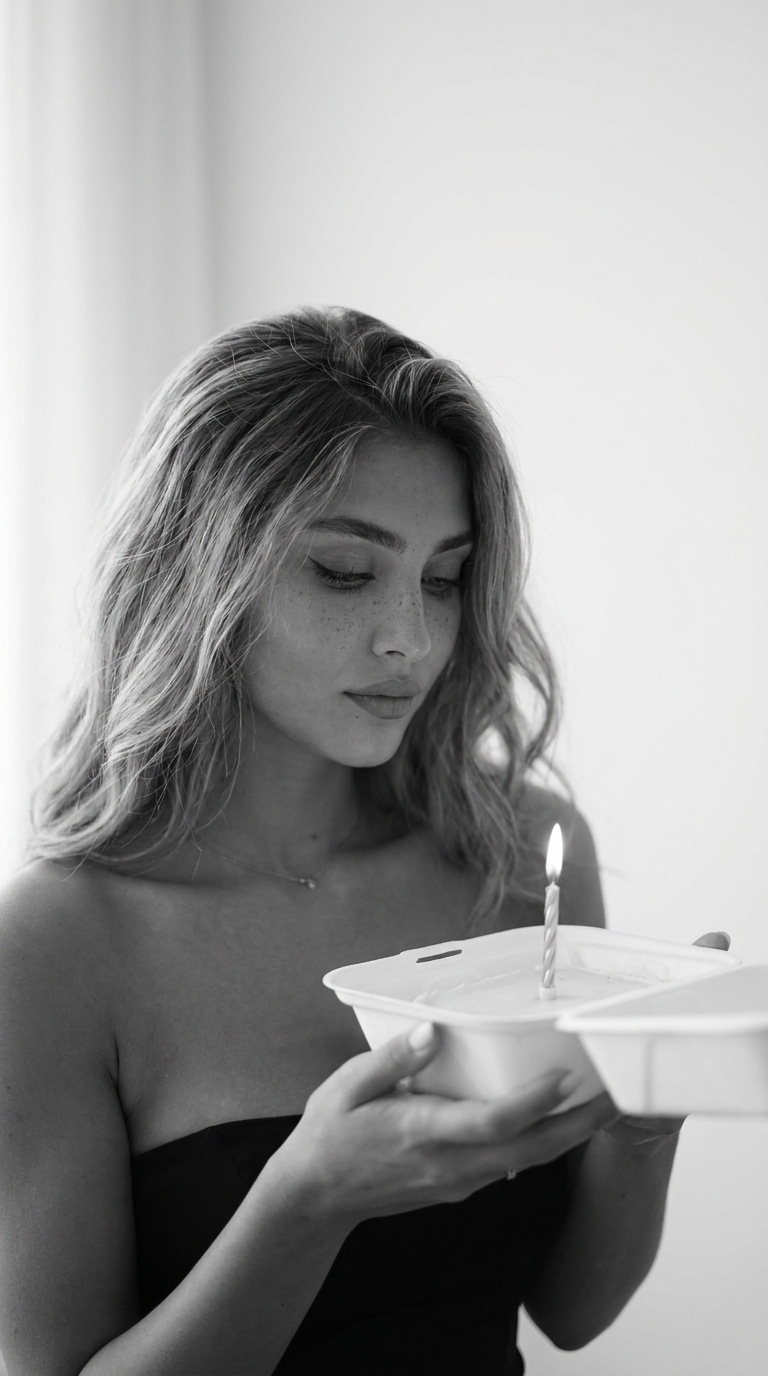
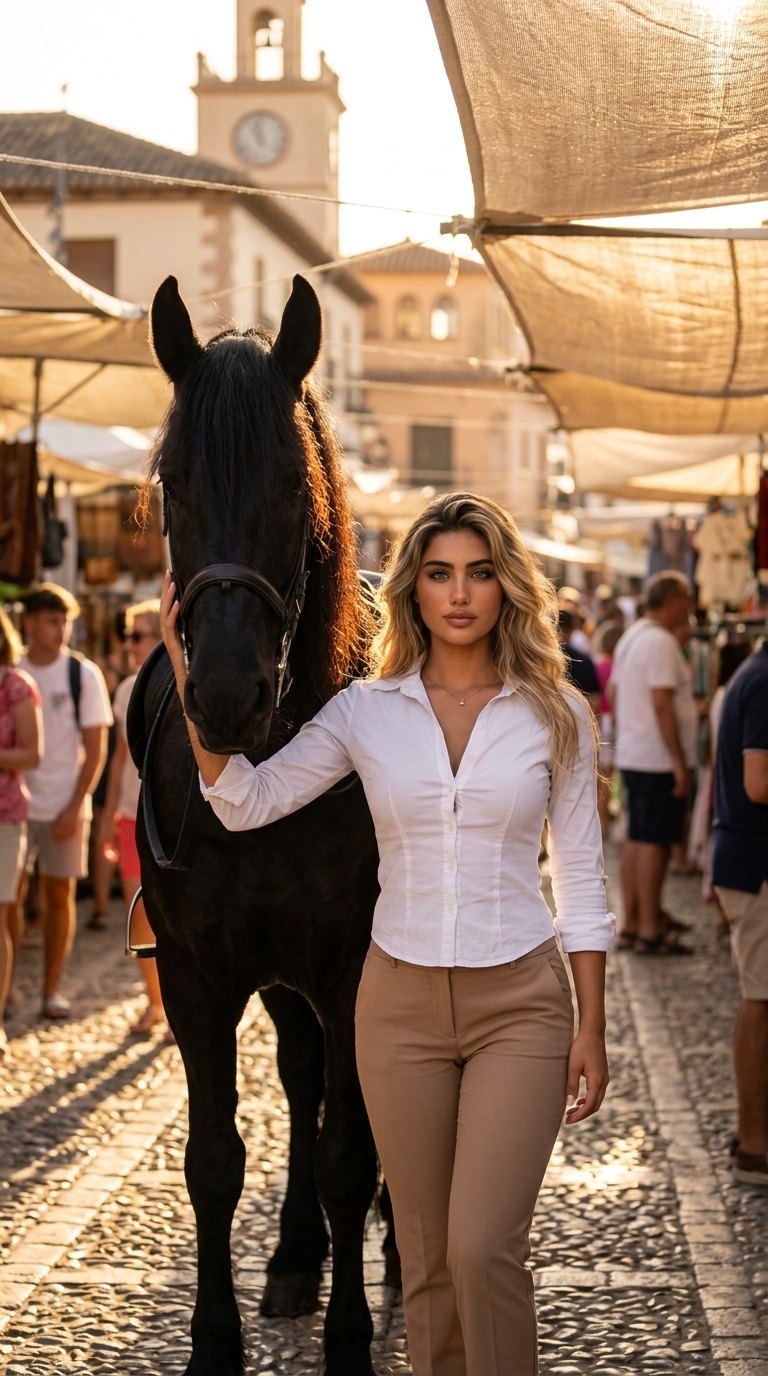
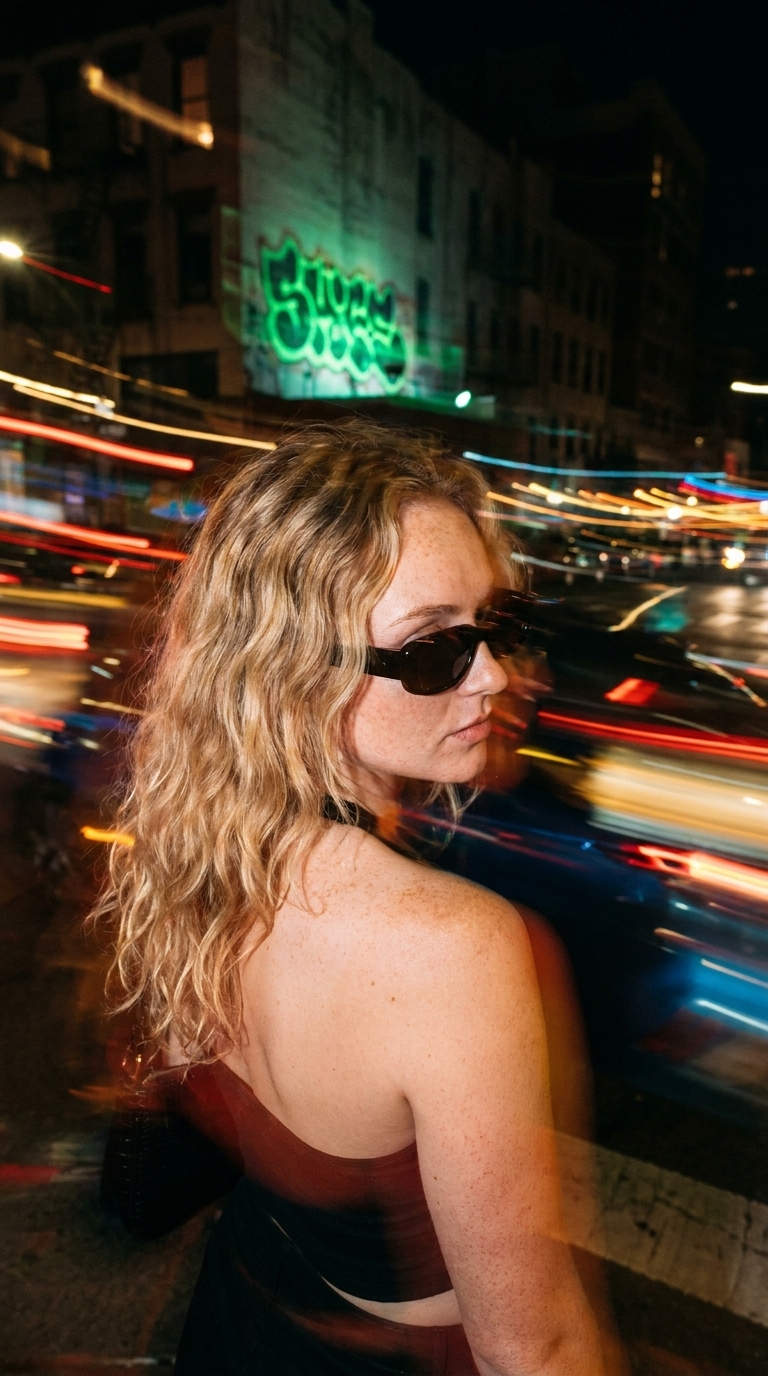
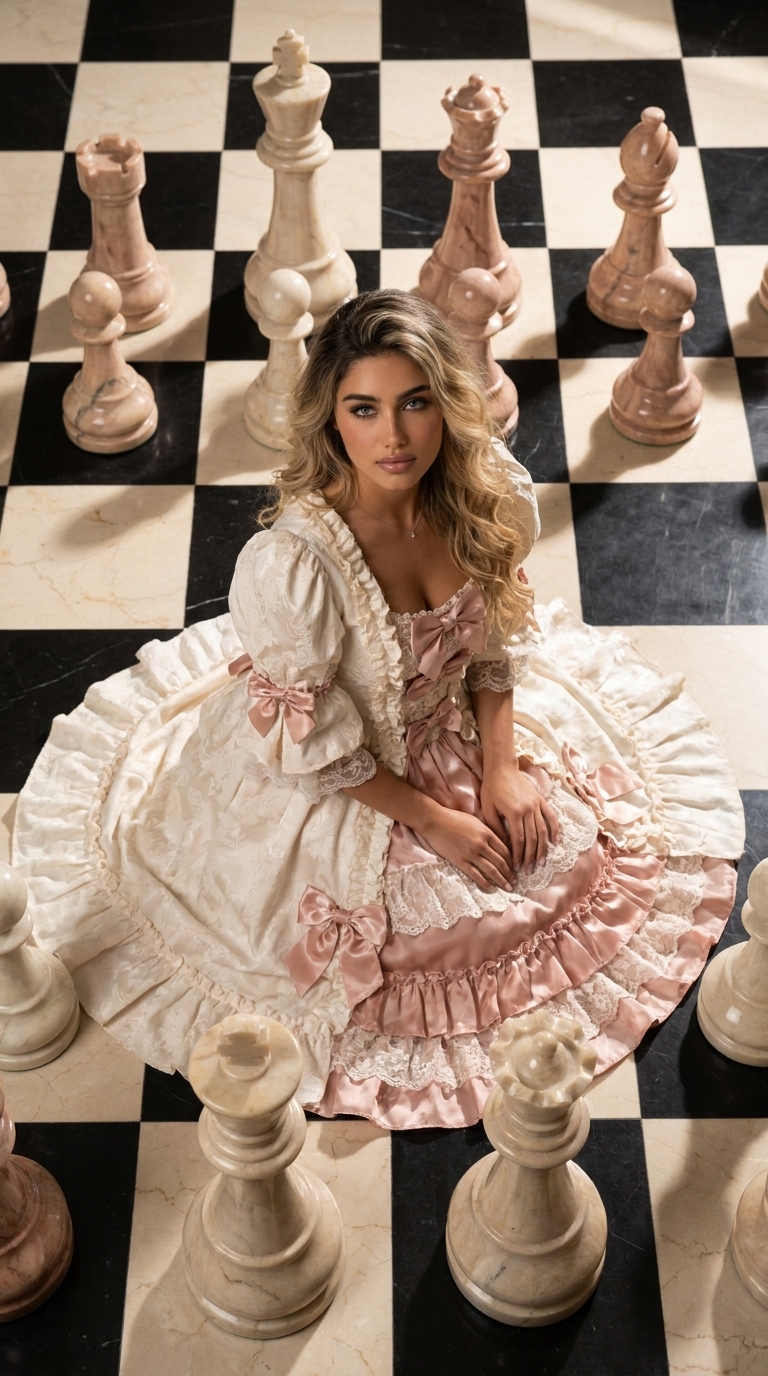
Imgele separates directions ranging from natural photography to 3D characters and graphic posters, each with its own example.
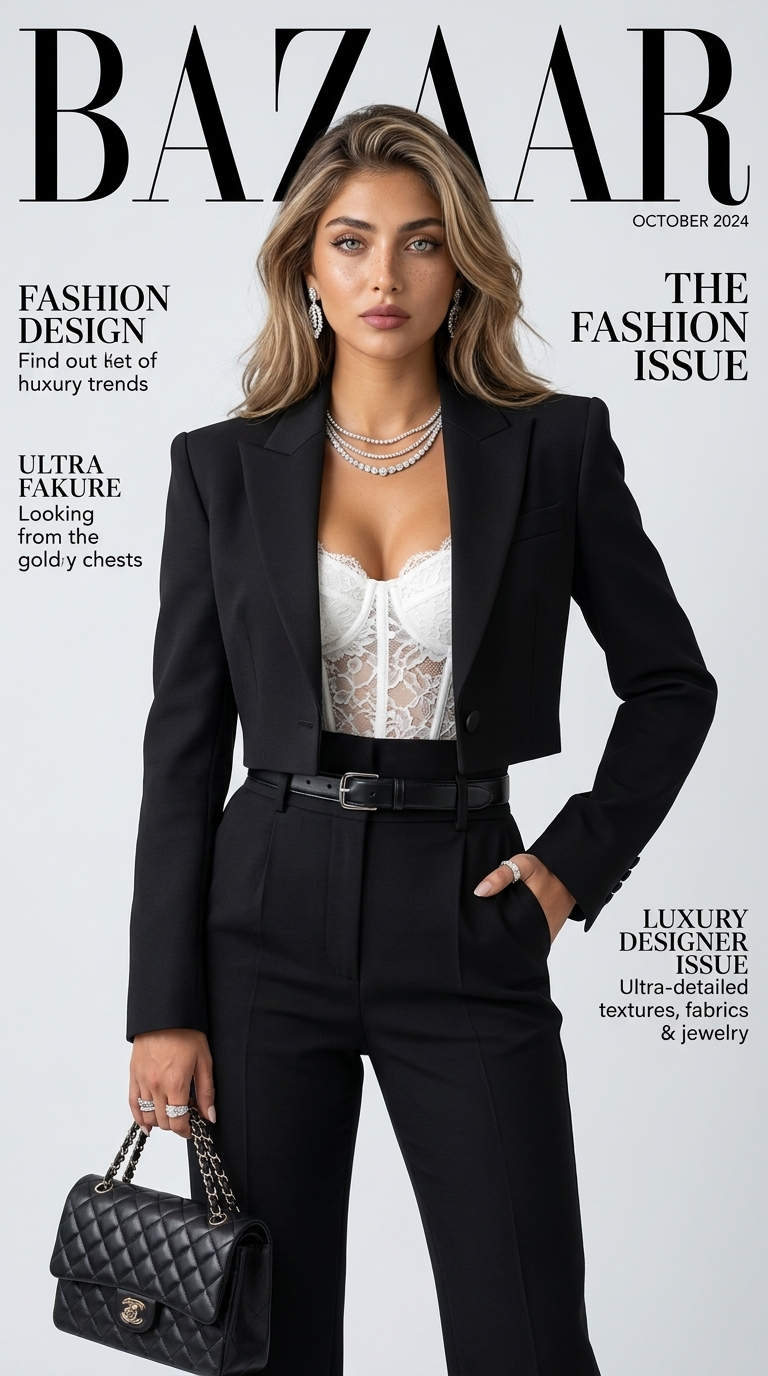
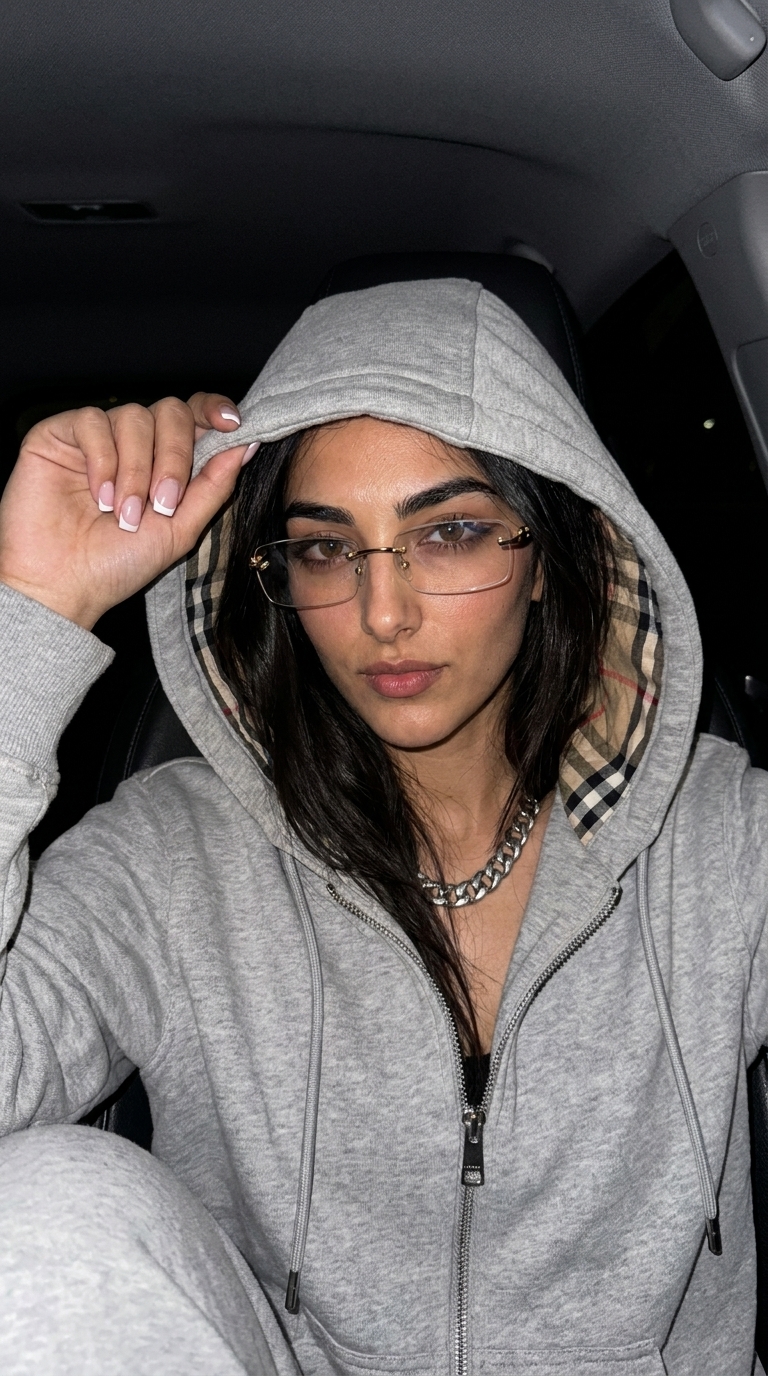
Why does the face reference matter?

Portrait styles use your upload as a primary source for recognizable identity and appearance. A clear face, balanced light, and one main subject give the model a more useful starting point.

Ways to use an AI portrait

Depending on the style, you can create visuals for social profiles, content covers, creative presentations, personal posters, or concept exploration. Always review the final image for accuracy and fitness for purpose.

Ready to create

Choose a look. Create it with your photo.

Frequently asked questions

Before you begin

Can I generate an AI portrait from a selfie?

Yes. A selfie with a clear, sufficiently large, and well-lit face suits many portrait styles.

Does the background need to be plain?

Not necessarily, although a quieter background can make the main subject easier to interpret.

Will an AI portrait keep my face exactly?

Styles aim to use the reference faithfully, but generative models vary. Review every output carefully.

Choose your portrait by its sample.

Browse cinematic, editorial, and stylized portrait directions.

View AI portrait styles