İImgele

A simplified AI workflow

Create AI images without prompts

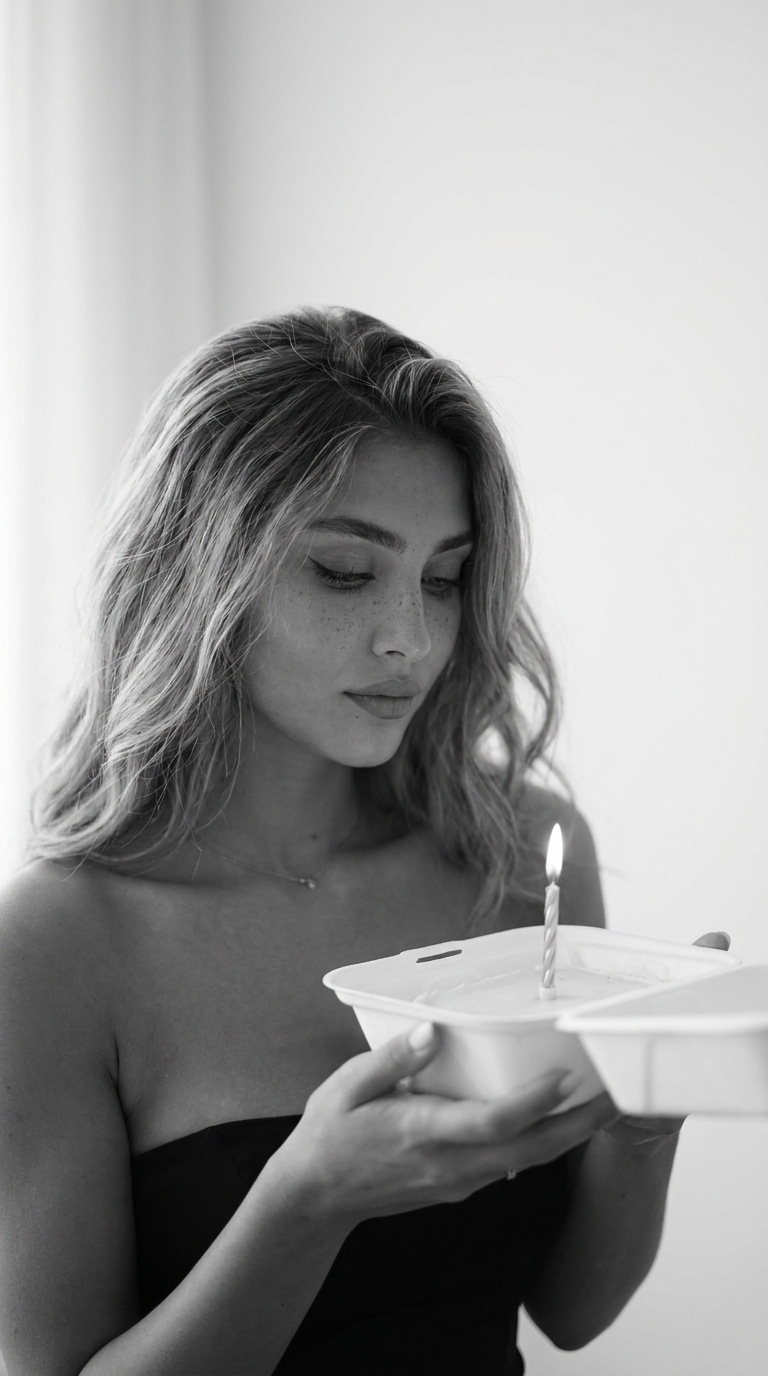
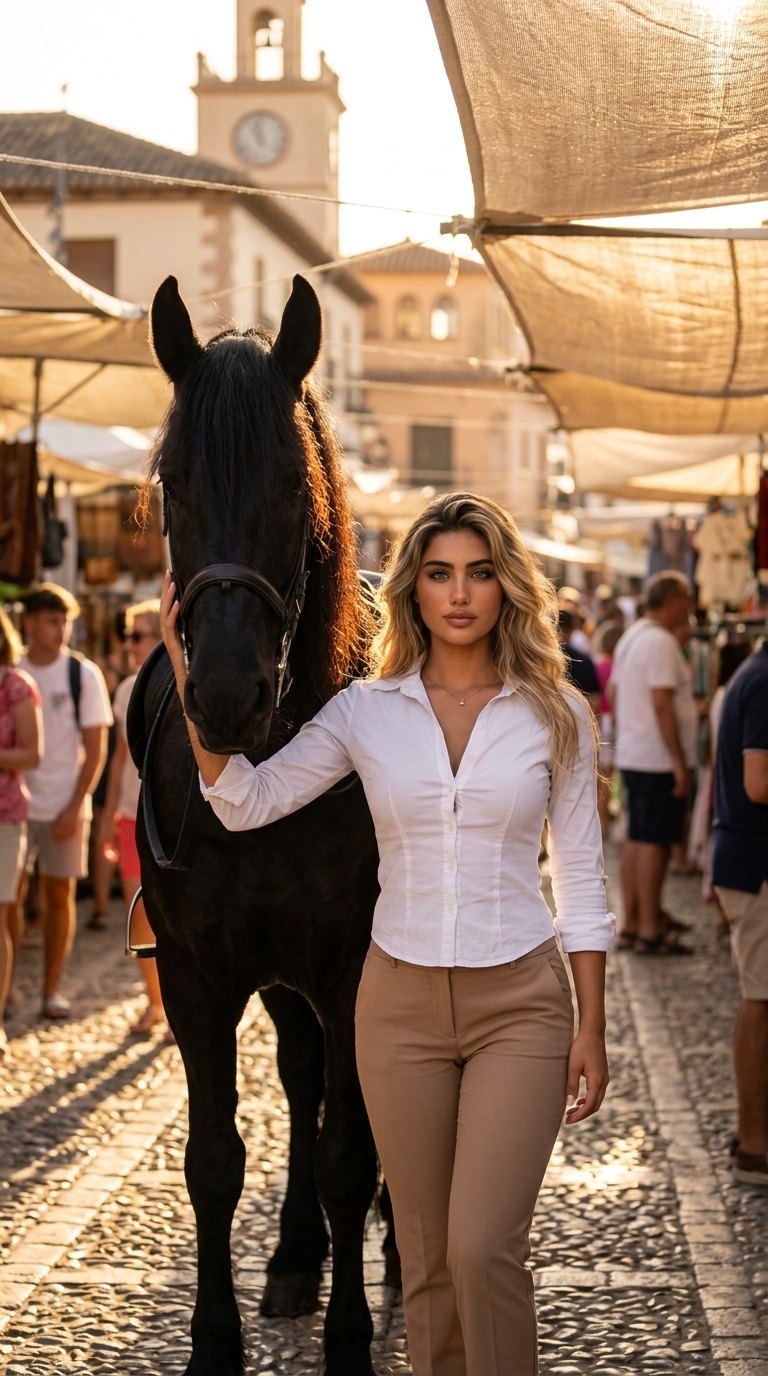
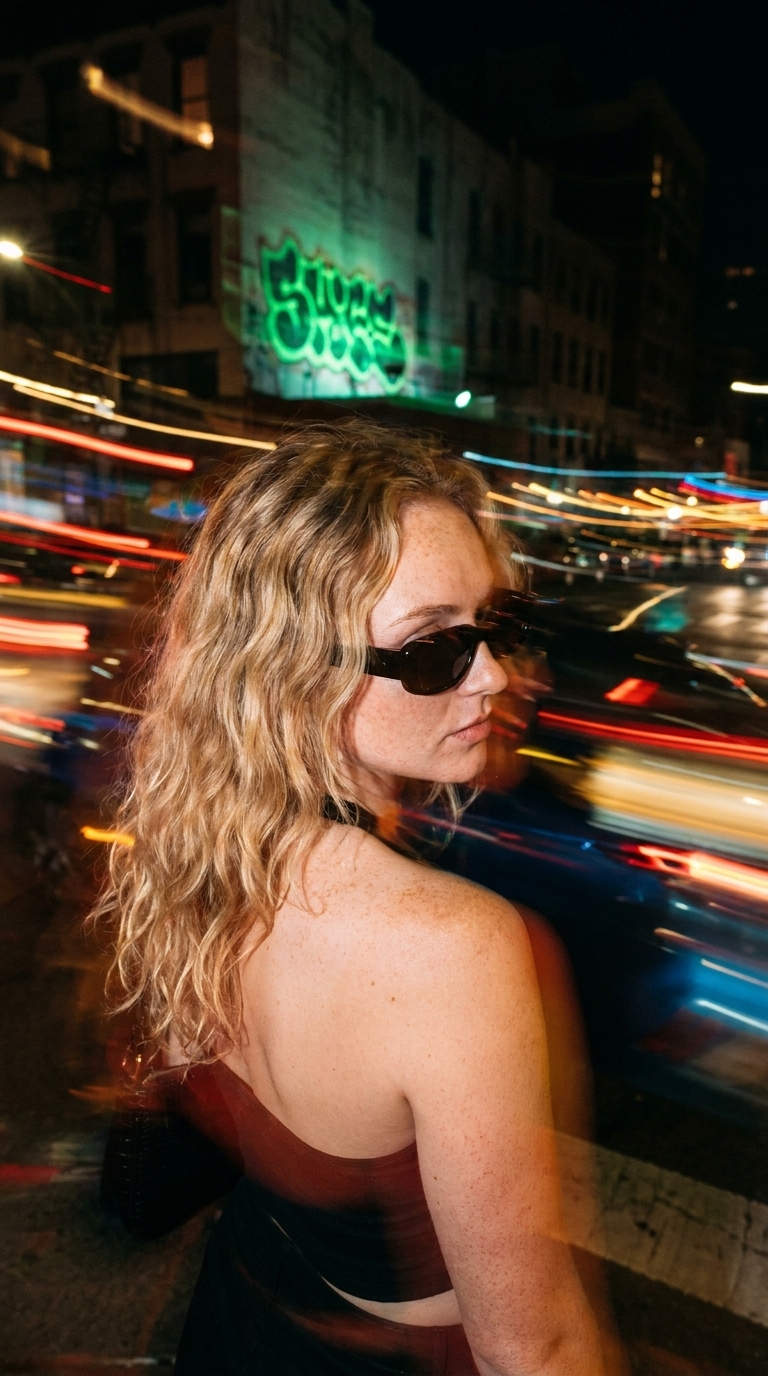
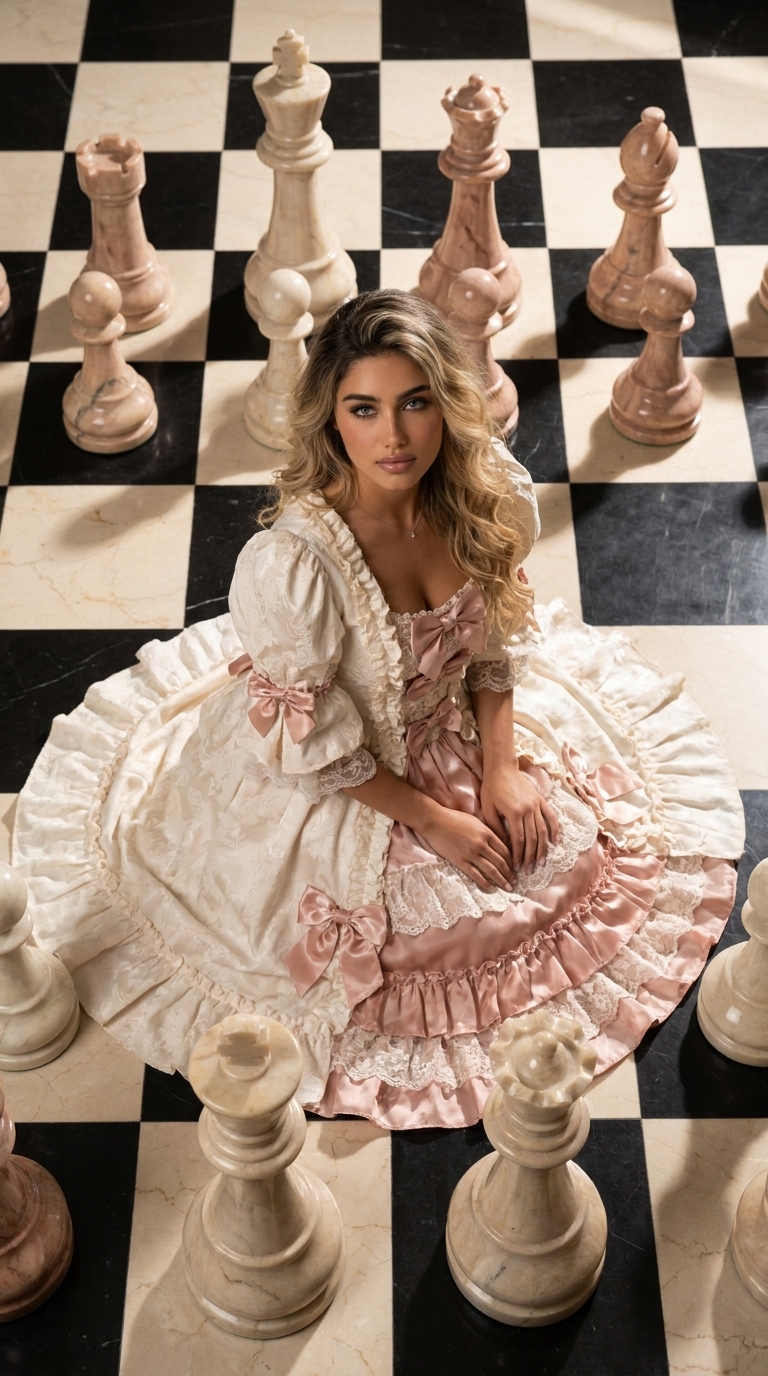
Choose a sample visual direction and add only the references it needs, without learning how to describe lenses, lighting, composition, or negative prompts.

View curated AI styles

What does a curated style change?

An AI image prompt can contain many technical and aesthetic decisions. Imgele packages those decisions into an administrator-curated, versioned style recipe.

The user-facing form replaces complicated copy with fields explaining which photos are required and which output ratios are supported.
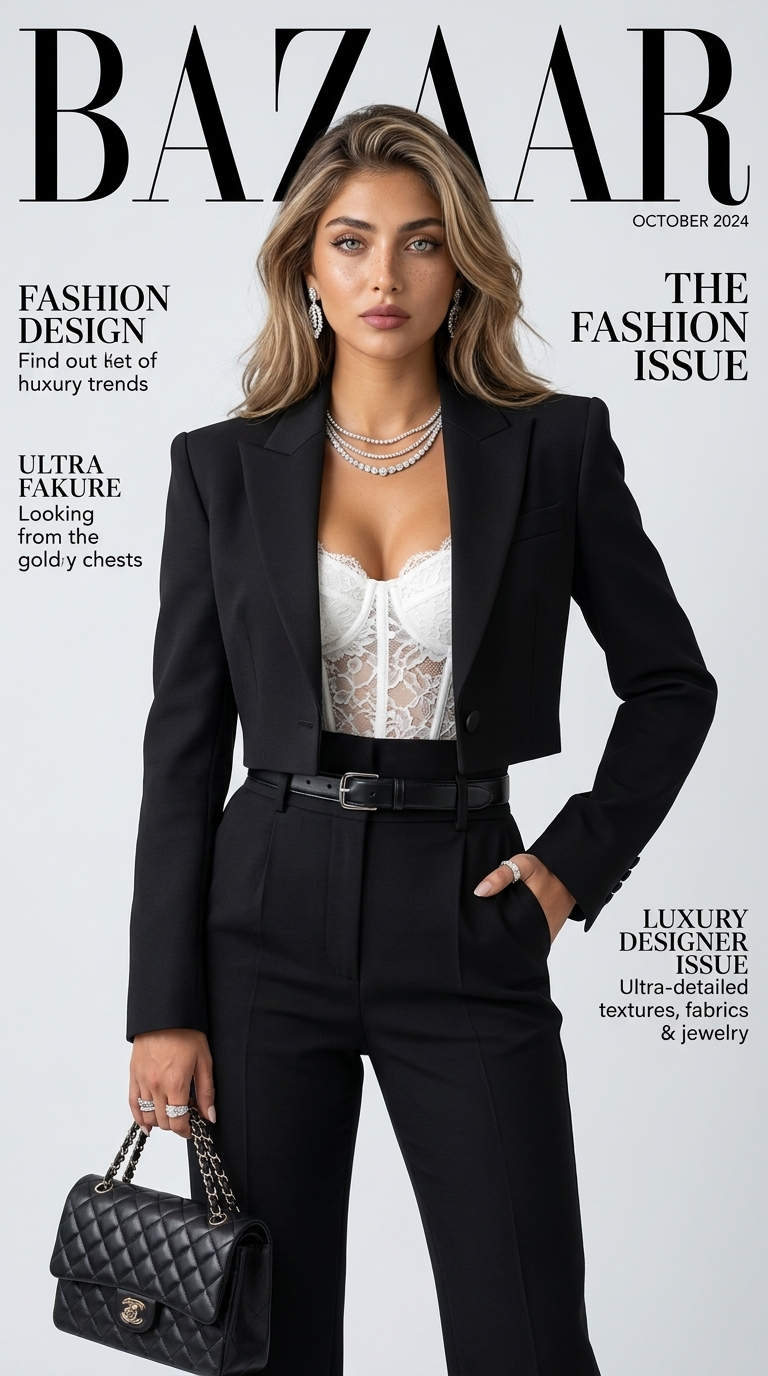
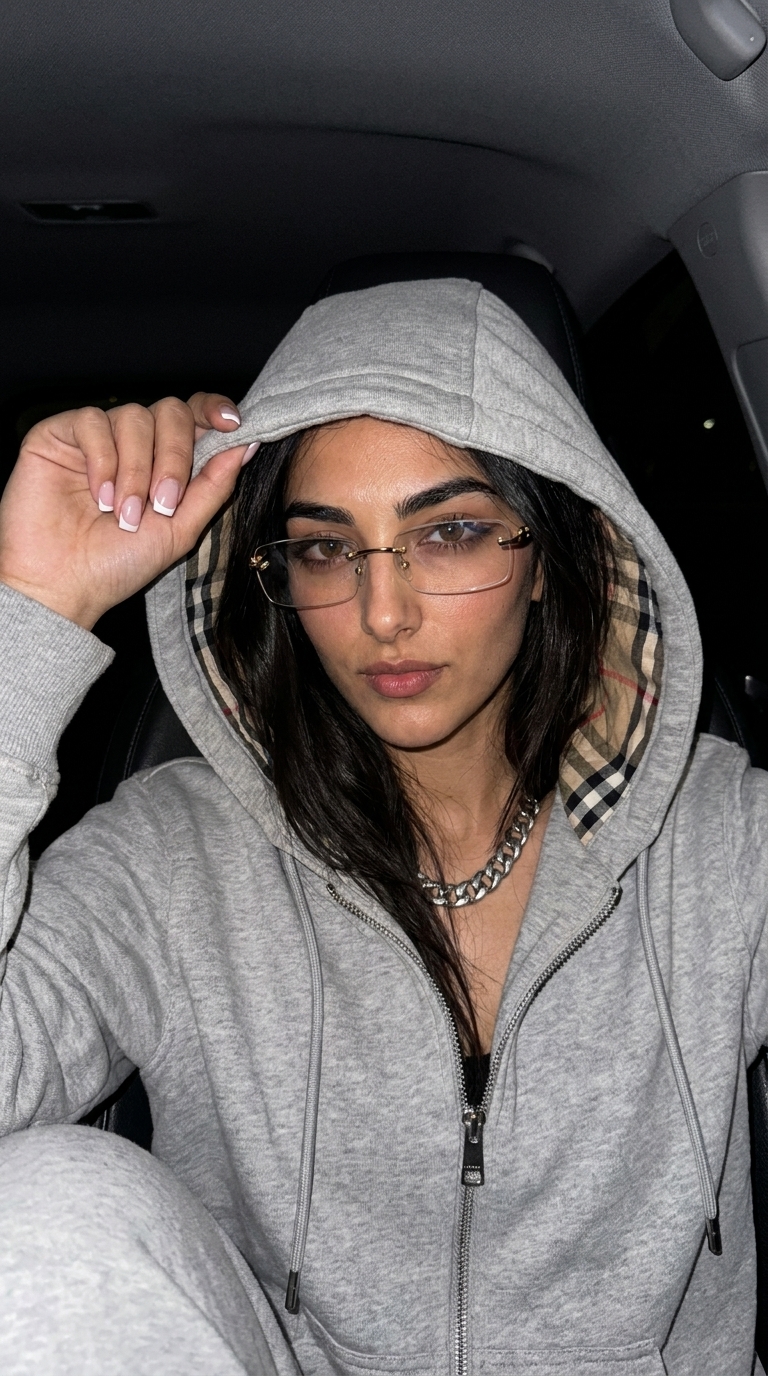
Which choices remain yours?

You choose the style from its final example, upload your own person, product, or artwork references, and set optional text or output ratio when the style permits. The total credit cost appears before creation.

A consistent process with variable results

The protected recipe helps preserve one art direction, but generative AI still creates a different outcome on every run. Verify important identity, brand, and product details in the result.

Ready to create

Choose a look. Create it with your photo.

Frequently asked questions

Before you begin

Can I view the hidden prompt?

No. Style recipes remain server-side and are never serialized through public pages or API resources.

Can I add custom text to an image?

When a style includes a text slot, the field appears in the form and its value is safely composed into the protected recipe.

Will a curated style create the exact same result?

No. The visual direction remains stable, but the generative model and references produce variable outputs.

Choose a sample instead of a prompt.

Begin with AI styles that already have a curated visual direction.

View curated AI styles