İImgele

Profile and PFP imagery

Create an AI profile picture

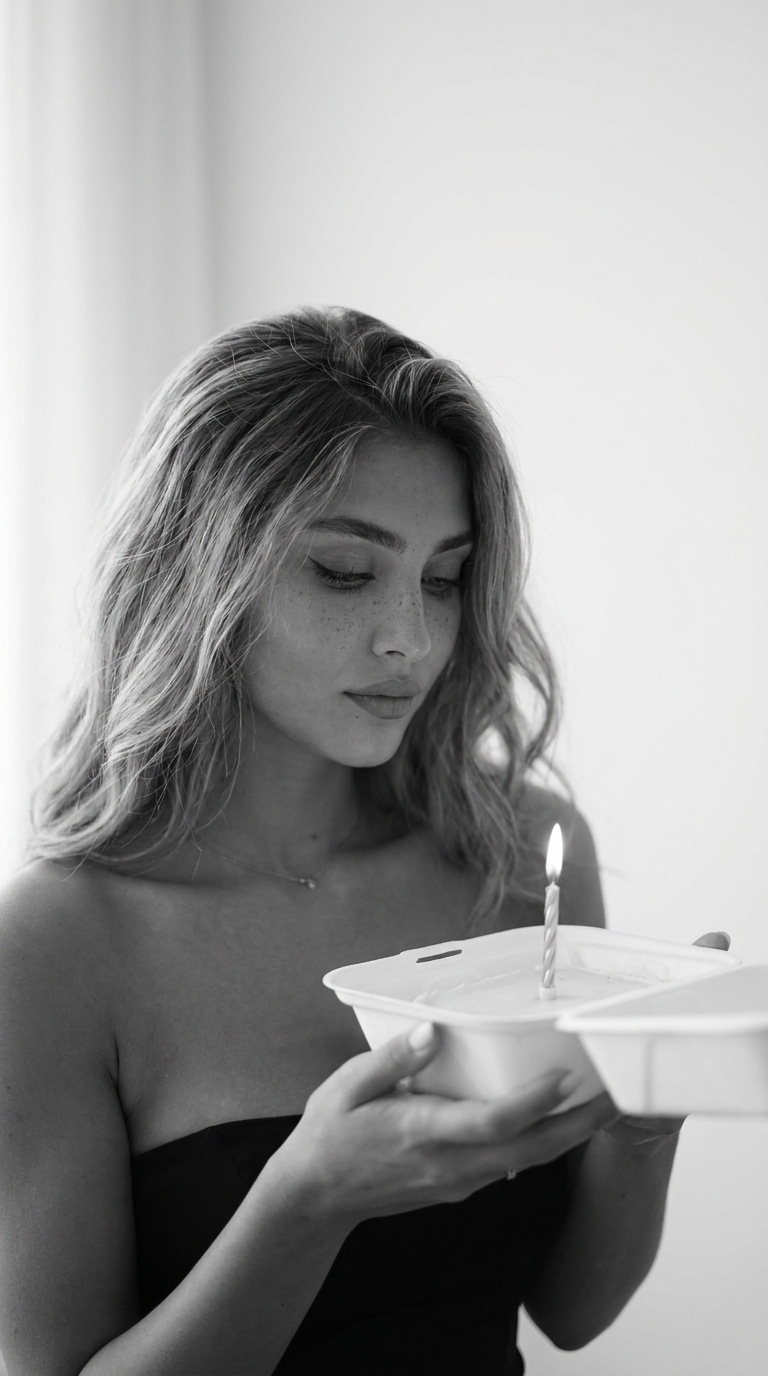
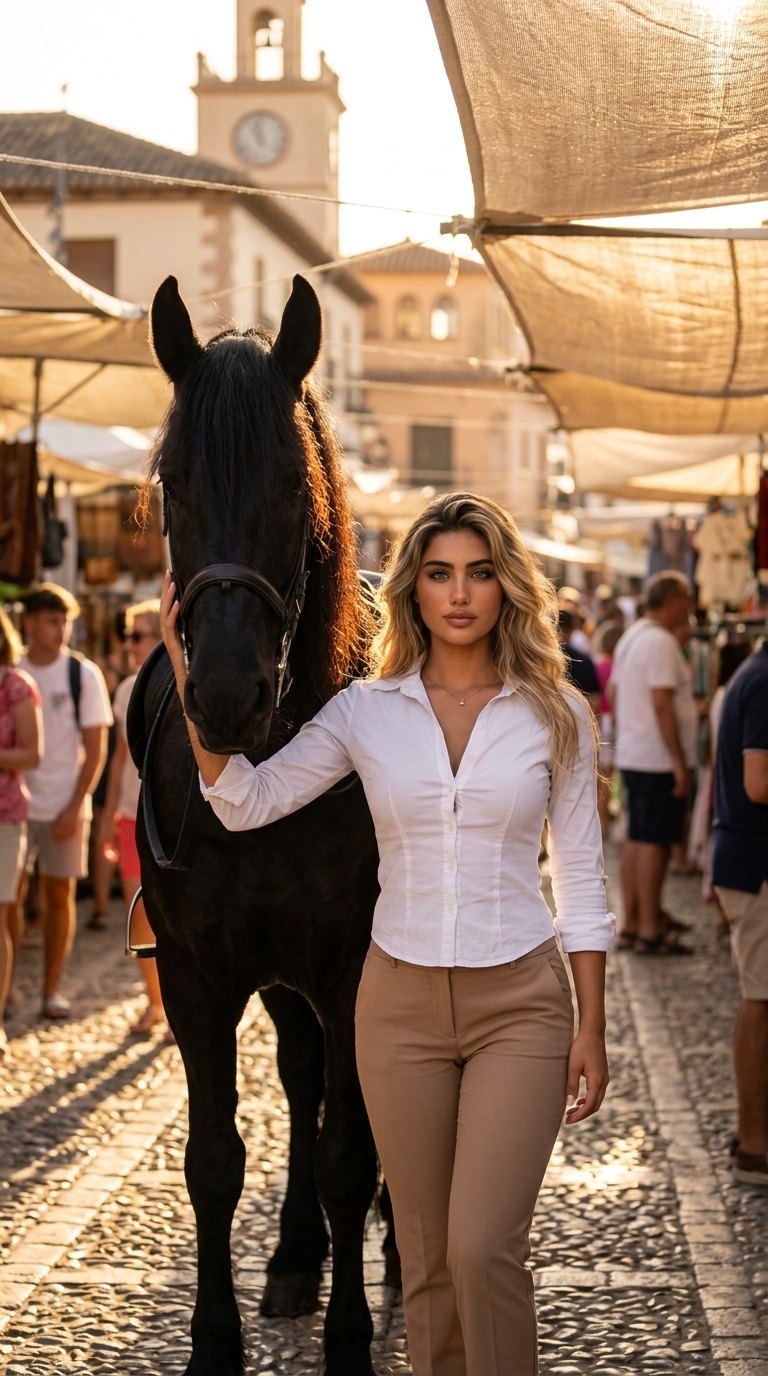
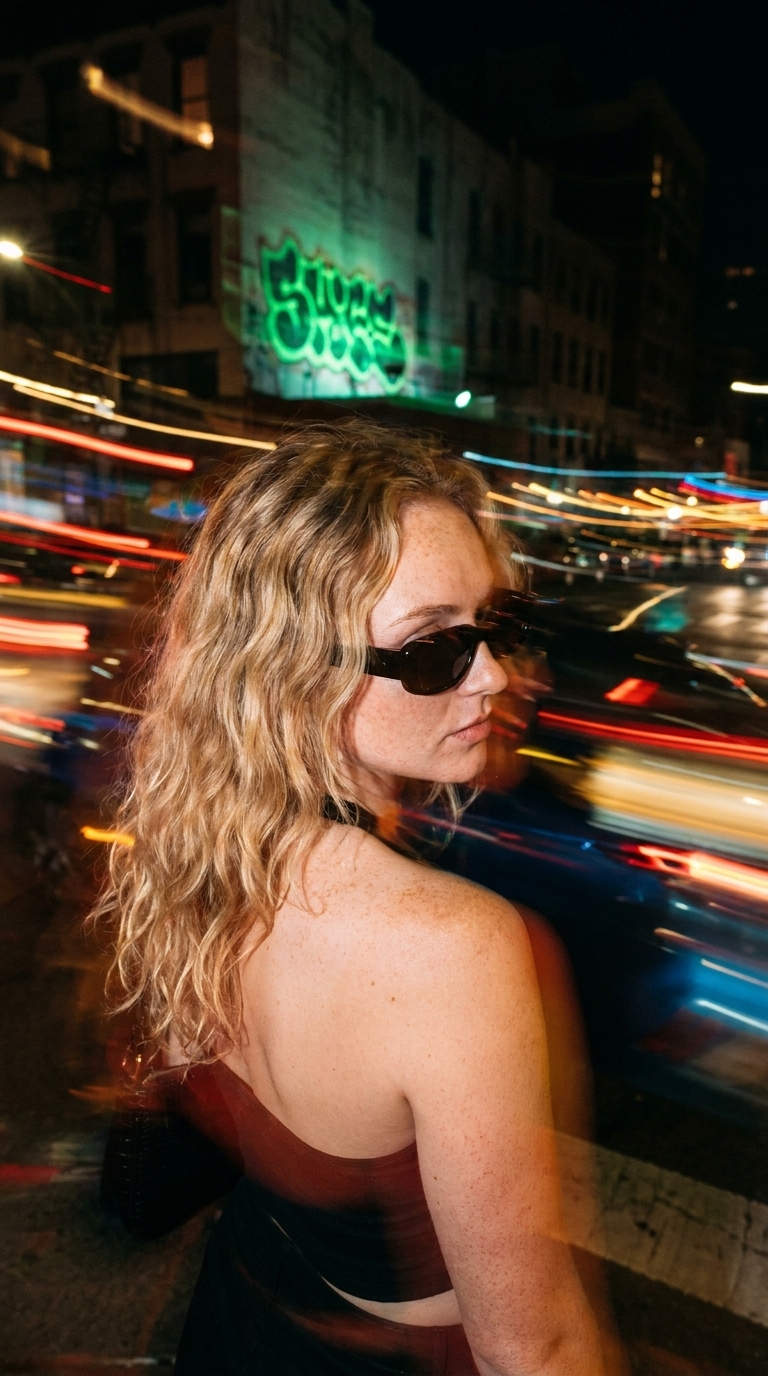
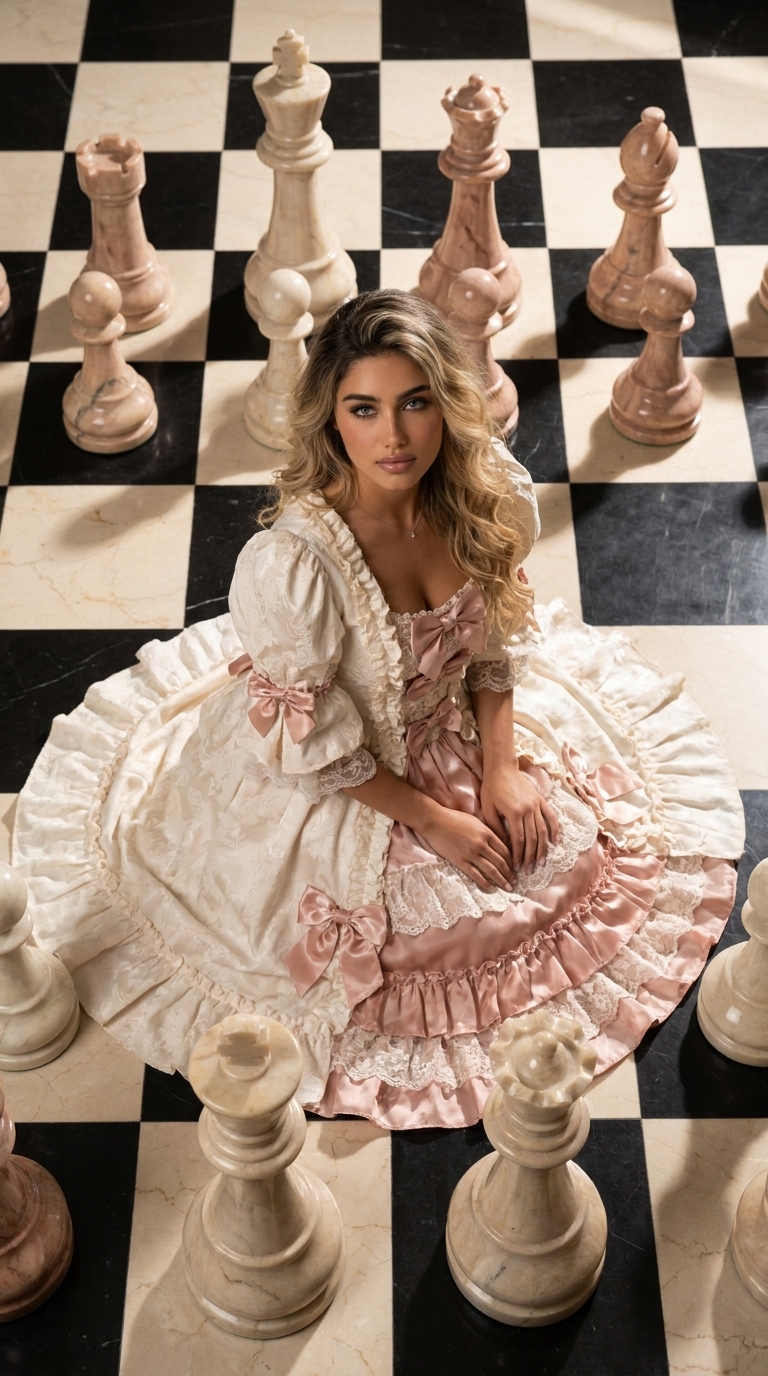
Try a new visual direction for a social or professional profile from one selfie. Compare editorial, understated, and creative AI profile styles.

Explore profile styles

Match the style to the profile

A professional account may benefit from restrained lighting and simple framing, while a creator profile can use stronger color and graphic identity. Decide where the image will appear before choosing.

The sample outcome helps you understand the general atmosphere of the profile picture in advance.
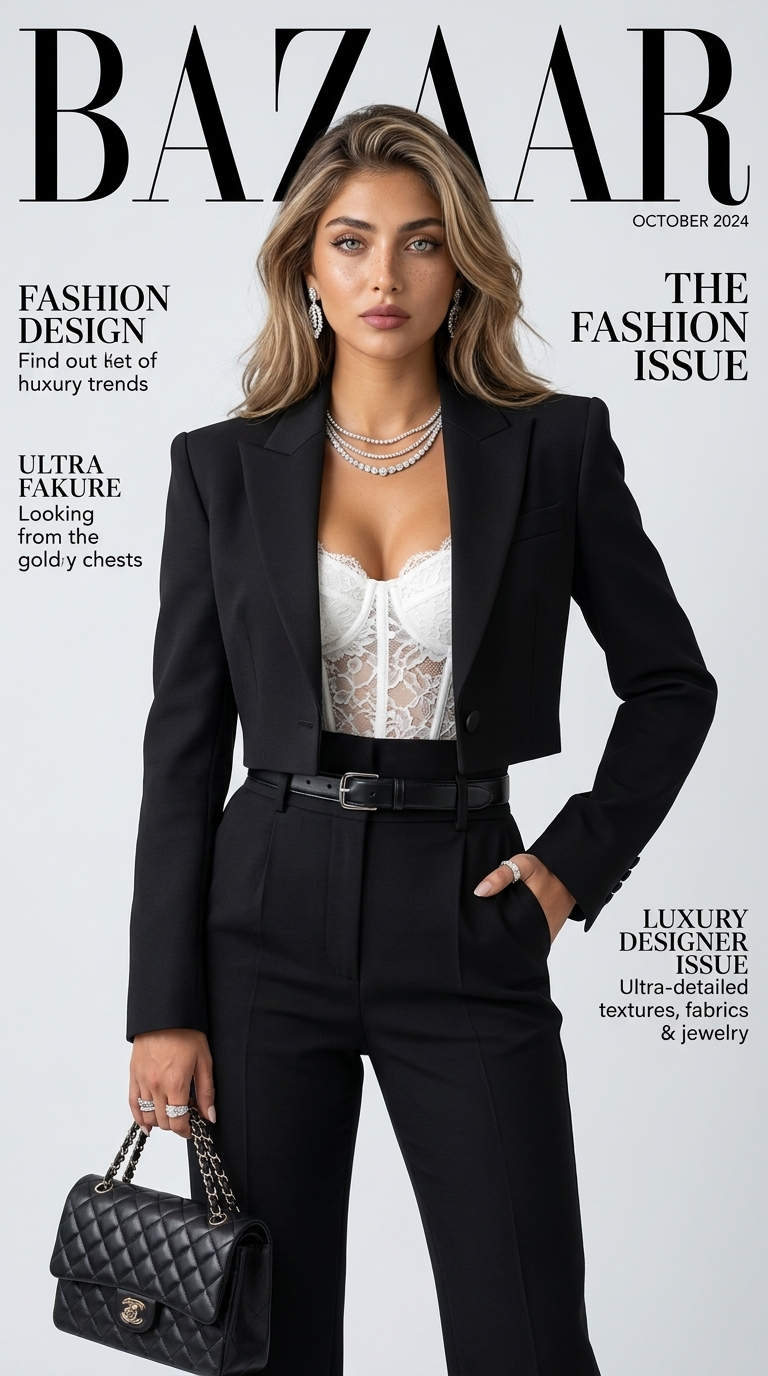
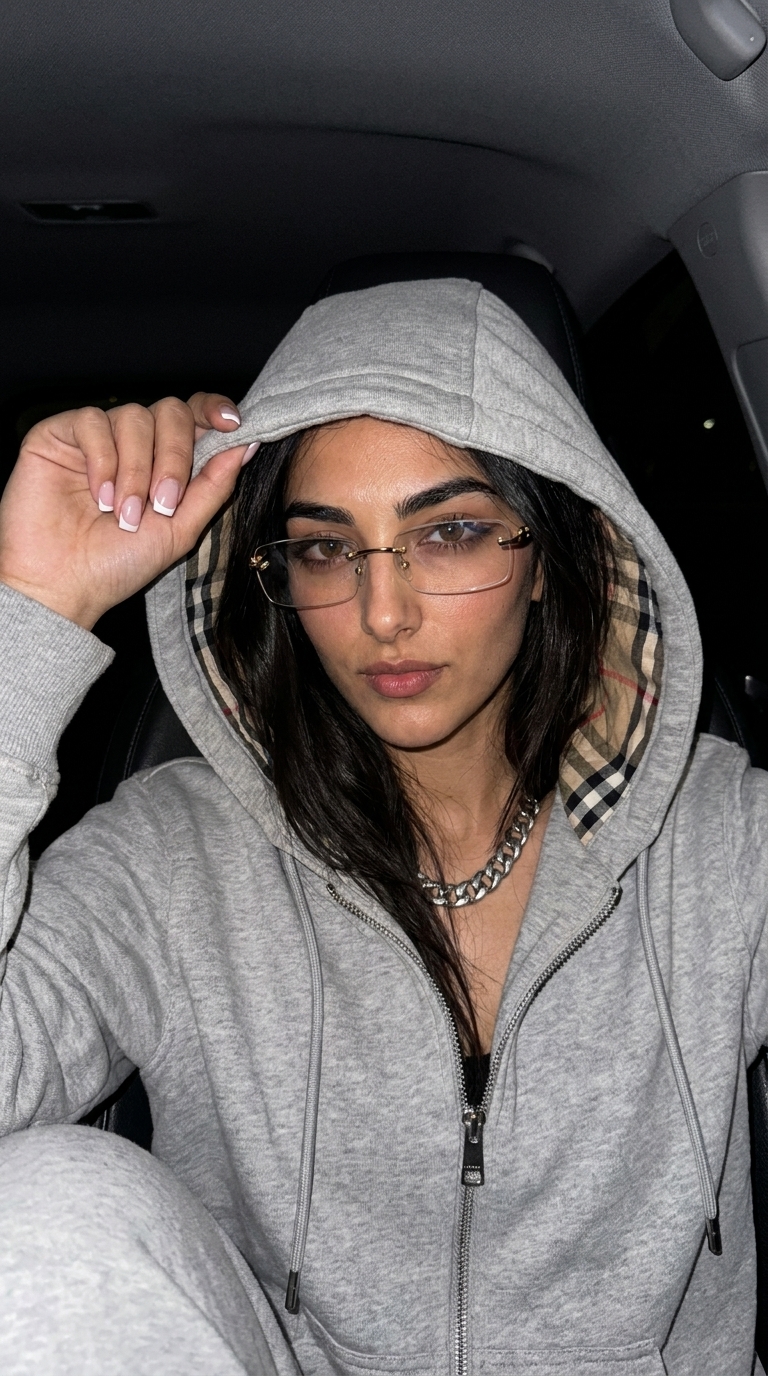
Square and vertical outputs

A platform may need a 1:1 square or a 9:16 vertical asset. Each style only displays supported ratios. If a platform crops the profile into a circle, check that the face remains readable.

Prepare a natural reference

Prefer a photo without a heavy beauty filter, where hair or hands do not obscure the face and real skin texture remains visible. A clear source makes the final output easier to assess.

Ready to create

Choose a look. Create it with your photo.

Frequently asked questions

Before you begin

Can I make a LinkedIn profile photo?

You can choose a restrained style for professional use, then decide whether the output fits your platform and field.

Which ratio works for an Instagram PFP?

A 1:1 square is a practical starting point. Check important details after circular cropping.

Will my selfie appear in a public gallery?

No. Your reference and profile output remain tied to your private account.

Find a direction for your profile.

Compare portrait examples and begin with your own reference.

Explore profile styles